Your team can store every file and still struggle to find the correct interview, restore the original, or confirm permission to reuse it. The best media asset management software is the system that passes your operational acceptance tests for discovery, production access, governance, and recovery. A long feature list cannot establish that fit.
Build the shortlist around the workflow that must improve. A broadcaster coordinating production has different requirements from an archive supporting licensing, even if both describe the purchase as a MAM project.
Key Takeaways
- Compare products against the same operational scenarios rather than declaring a universal winner.
- Distinguish a MAM platform from an additional metadata intelligence layer.
- Test search results, original retrieval, review, permissions, and existing editing workflows together.
- Evaluate total operating and exit costs, including migration and integration work.
- Treat vendor documentation as a starting point for a pilot, not independent proof of performance.
Table Of Contents
- How Do You Define The Best Media Asset Management Software?
- Which Platforms Belong On A Practical Shortlist?
- What Should The Search Test Prove?
- How Should You Evaluate Production And Storage Fit?
- Which Governance And Cost Questions Matter?
- When Is Enrichment Better Than Replacement?
- How Do You Make The Final Decision?
- FAQs
- Conclusion
How Do You Define The Best Media Asset Management Software?
Define “best” as suitability for a stated set of requirements and a demonstrable result. Start with the users, media types, storage arrangements, existing applications, and tasks that currently fail or take too much effort.
Separate mandatory conditions from preferences. A newsroom may require a specific production handoff; an archive may require reliable rights filtering and original retrieval. A visually appealing interface should not compensate for a failed mandatory condition.
Write the acceptance scenarios before meeting vendors. Ask each supplier to perform the same work using representative material, and record what is configured, included, unavailable, or dependent on another component.
Avoid treating this article as a ranked market test. The shortlist below identifies different evaluation starting points using public product information. It does not assign performance scores, confirm contractual terms, or claim that one product is best for every media organization.
Which Platforms Belong On A Practical Shortlist?
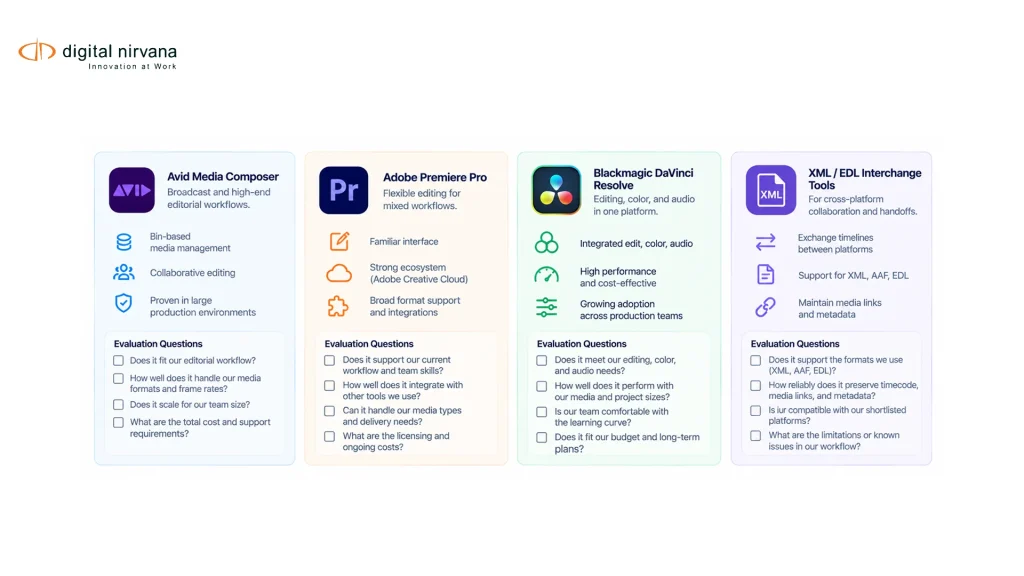
Include platforms whose documented scope matches the work you need to coordinate. The examples below are candidates for evaluation, not an exhaustive market ranking.
| Candidate | Documented Starting Point | What Your Team Should Verify |
| Avid MediaCentral | Connected media production and asset-management workflows | Fit with the exact production applications and modules in scope |
| Iconik | Media management across distributed and hybrid storage | Access to originals, permission behavior, and existing storage integration |
| Dalet Flex / FlexMAM | Asset organization, metadata, review, and workflow tasks | Configuration effort, workflow coverage, and integration requirements |
| Existing MAM plus MetadataIQ | Additional media indexing and enrichment | Whether discovery improves without replacing the current MAM |
The comparison draws on Avid’s MediaCentral overview, Iconik’s MAM description, and Dalet’s FlexMAM documentation. Digital Nirvana describes MetadataIQ as an intelligence layer for established media environments, so it should not be presented as an equivalent standalone MAM replacement.
Confirm the exact package behind every demonstration. Product families, modules, deployment choices, and implementation scope can change what is actually included.
What Should The Search Test Prove?
The search test should prove that a user can find the correct asset or moment and retrieve usable media. Finding a plausible thumbnail is only the beginning.
Prepare several known requests: an exact spoken phrase, a visually described moment, an old asset with limited metadata, and a restricted item. Include a request for material that does not exist so reviewers must distinguish a poor match from an actual answer.
For each result, inspect source identity, range accuracy, access, and the path to the original. Record what was missed and why returned results were rejected. Do not compare systems solely on how many hits they return.
Digital Nirvana’s media-search evaluation article provides related background on discovery. For this buying decision, keep the scope broader: the chosen asset must remain usable through review, retrieval, and the next production task.
How Should You Evaluate Production And Storage Fit?
Test the MAM against your actual storage topology and receiving applications. A platform that searches media effectively may still require additional work to retrieve originals or feed an established editing workflow.
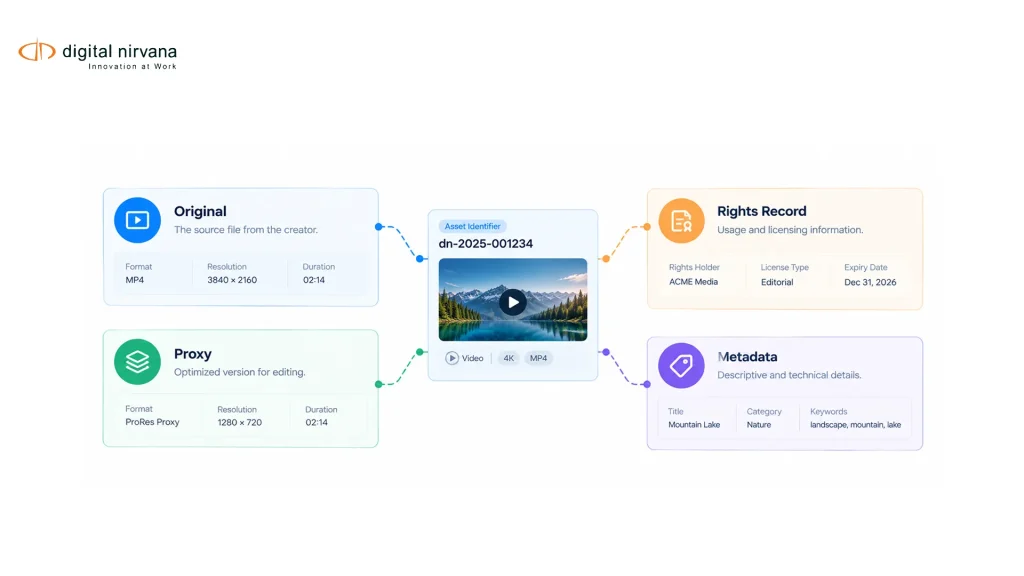
Ask where each class of material resides, how proxies are generated, and what happens when a storage location is unavailable. Confirm whether the system copies media, references it, or supports more than one approach under the proposed configuration.
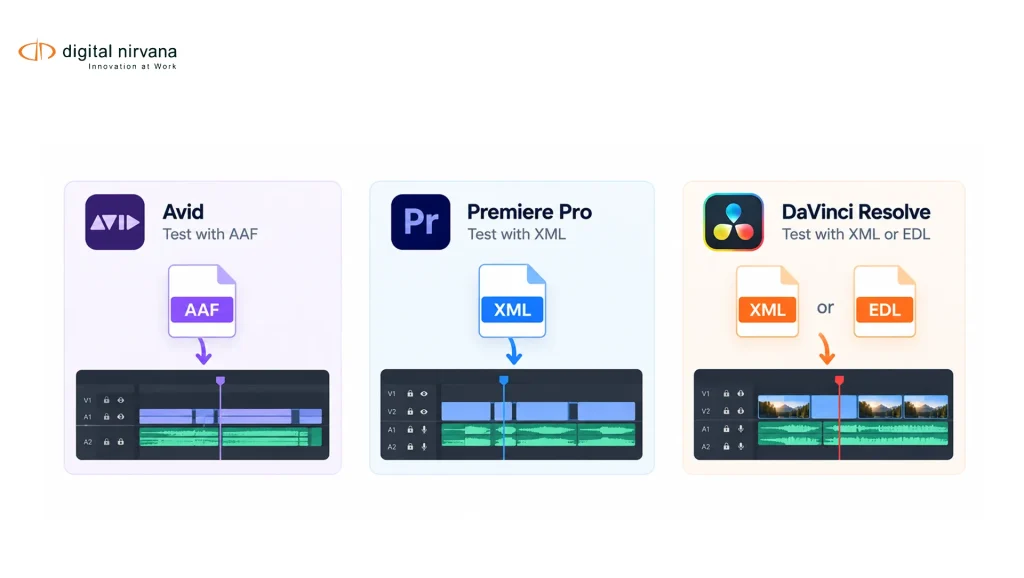
Use an existing project as a continuity test. Retrieve its sources, open the edit, and verify that the selected ranges remain correct. Your timecode indexing practices should remain consistent across that journey.
Measure the time until media becomes usable, including restore, transfer, relinking, and operator intervention. A fast search result followed by an unsuitable retrieval delay may fail the production requirement even if the search function itself performs well.
Which Governance And Cost Questions Matter?
Governance should be tested through allowed and denied actions, not assessed only from a permissions screen. Ask a representative user to search, preview, download, change metadata, and share an asset under the proposed access model.
Check what happens when access is withdrawn and whether old shared links remain usable. Clarify which actions are logged, who can inspect the record, and how long the relevant evidence is retained under the contract.
Build the cost model around a realistic workload. Include licensing, users, ingest processing, storage, transfer, retrieval, integration, migration, training, support, and export at the end of the relationship. Avoid inserting public starting prices into an enterprise budget without matching the actual scope.
Ask for a usable exit sample during evaluation. Recover the media references, required metadata, and relevant relationships. A system should not earn a high score for easy onboarding while leaving the cost and feasibility of departure unexamined.
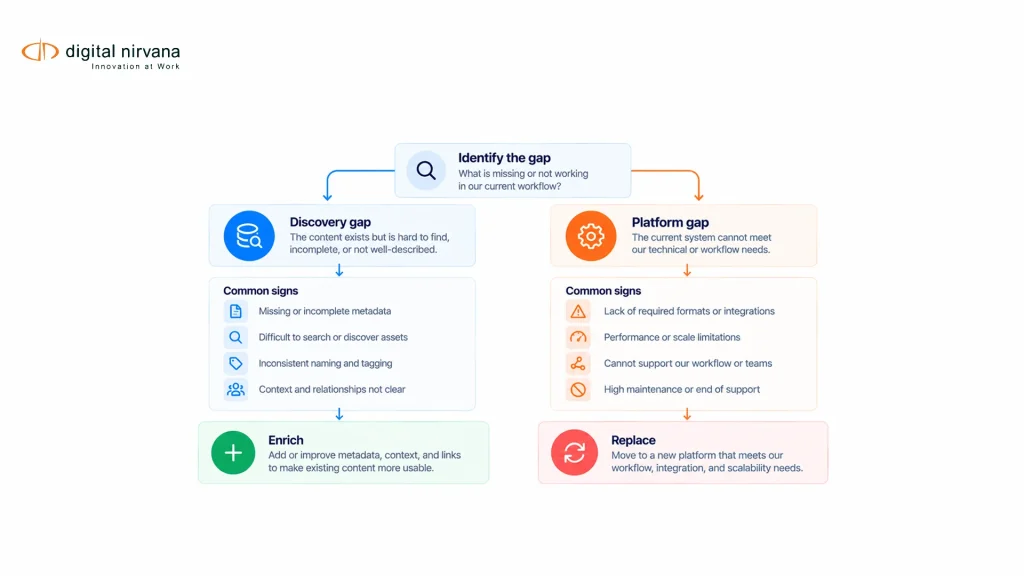
When Is Enrichment Better Than Replacement?
Consider enrichment when your current MAM handles storage, permissions, and production access adequately but lacks useful information about the content. Consider replacement when the underlying workflow itself cannot meet the agreed requirements.
Separate the root cause from the symptom. Poor search may come from inconsistent metadata, weak retrieval, missing source relationships, or access restrictions. Each points toward a different intervention, and installing a new catalog does not automatically fix them.
Test a bounded enrichment project against existing searches before deciding to migrate the whole environment. Define which fields become searchable, how corrections are handled, and where the resulting metadata remains available.
The existing media management workflow guidance can help frame the wider operational problem. The procurement decision should still be based on observed failures and demonstrated improvement, not on the assumption that a new platform is always required.
How Do You Make The Final Decision?
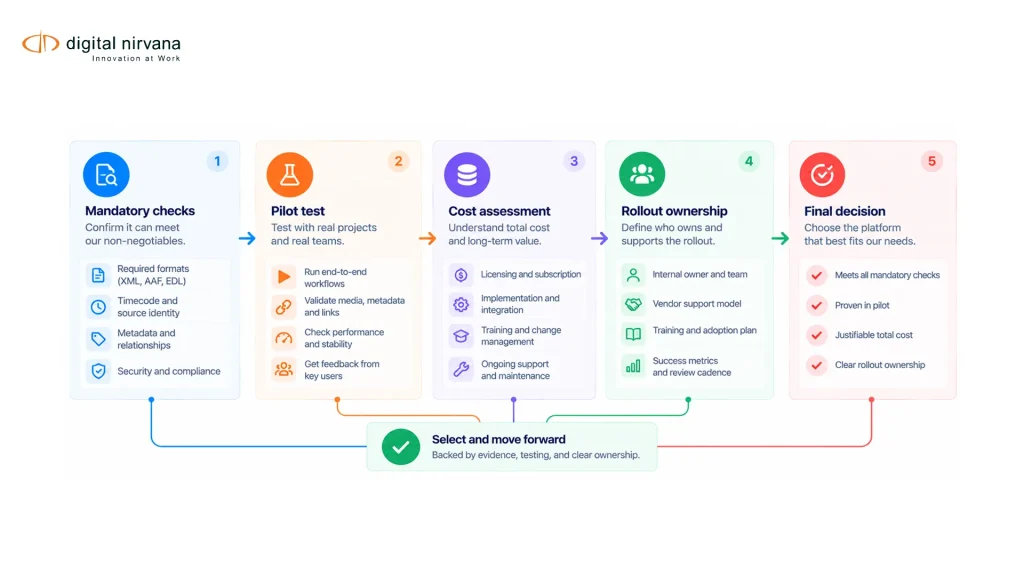
Choose the candidate that meets mandatory requirements with an acceptable operating burden and documented limitations. If none does, revise the scope or architecture instead of forcing a winner from an unsuitable shortlist.
Use a decision sequence:
- Reject options that fail a mandatory technical or data-handling condition.
- Compare the remaining candidates on the same user journeys.
- Record implementation dependencies and unresolved exceptions.
- Calculate the cost of reaching and maintaining the accepted workflow.
- Assign owners for rollout, migration, support, and exit.
Keep the pilot evidence with the decision. It explains why the organization chose a platform and provides a baseline for checking whether implementation delivers the expected outcome.
If metadata enrichment is the main gap, discuss that requirement with Digital Nirvana before committing to a full MAM replacement.
FAQs
The best choice depends on the workflows, integrations, governance, and cost requirements it must satisfy. Use a controlled pilot to determine fit rather than relying on a universal ranking.
MetadataIQ is positioned as a media intelligence and indexing layer for existing infrastructure. Evaluate it separately from the platform responsible for the underlying asset-management workflow.
Storage alone does not establish the metadata, permissions, review, and production relationships a team may require. Define those workflow needs before selecting the surrounding system.
Test a manageable shortlist of candidates that meet the mandatory requirements on paper. The useful number depends on your scope and ability to run equivalent, meaningful evaluations.
Price should be evaluated alongside mandatory fit and the full operating cost. A low subscription figure may exclude migration, integration, storage, or support needed by the proposed workflow.
A demonstration using your representative media and predefined acceptance tasks is the most useful starting point. Require the supplier to show the complete path from search through usable retrieval.
Conclusion
Write your acceptance scenarios first, then use them to build and test the shortlist. Preserve the evidence behind the decision and make unresolved limitations part of implementation planning. A suitable MAM purchase should solve an observed operational problem that the team can demonstrate before and after rollout.