Introduction
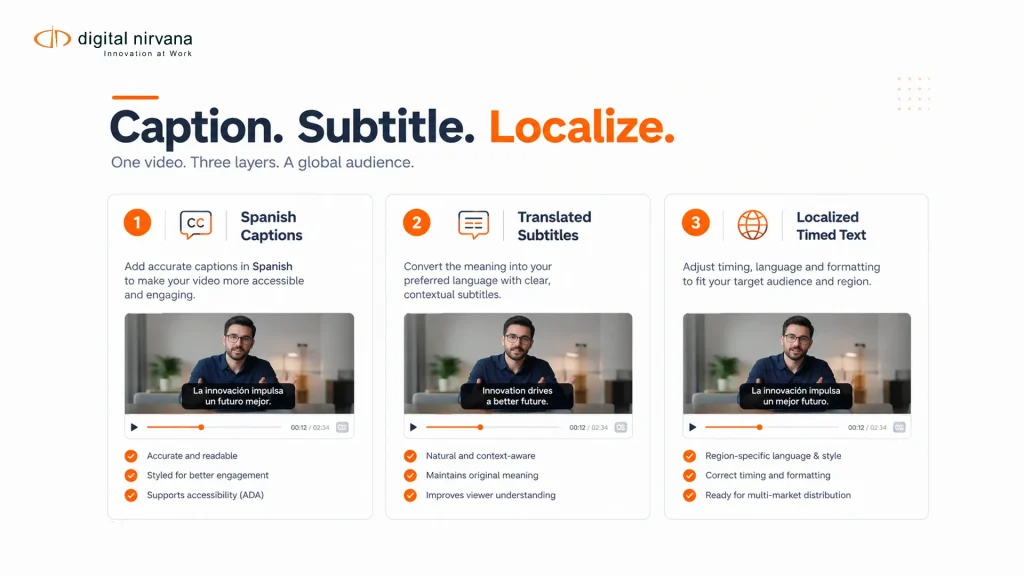
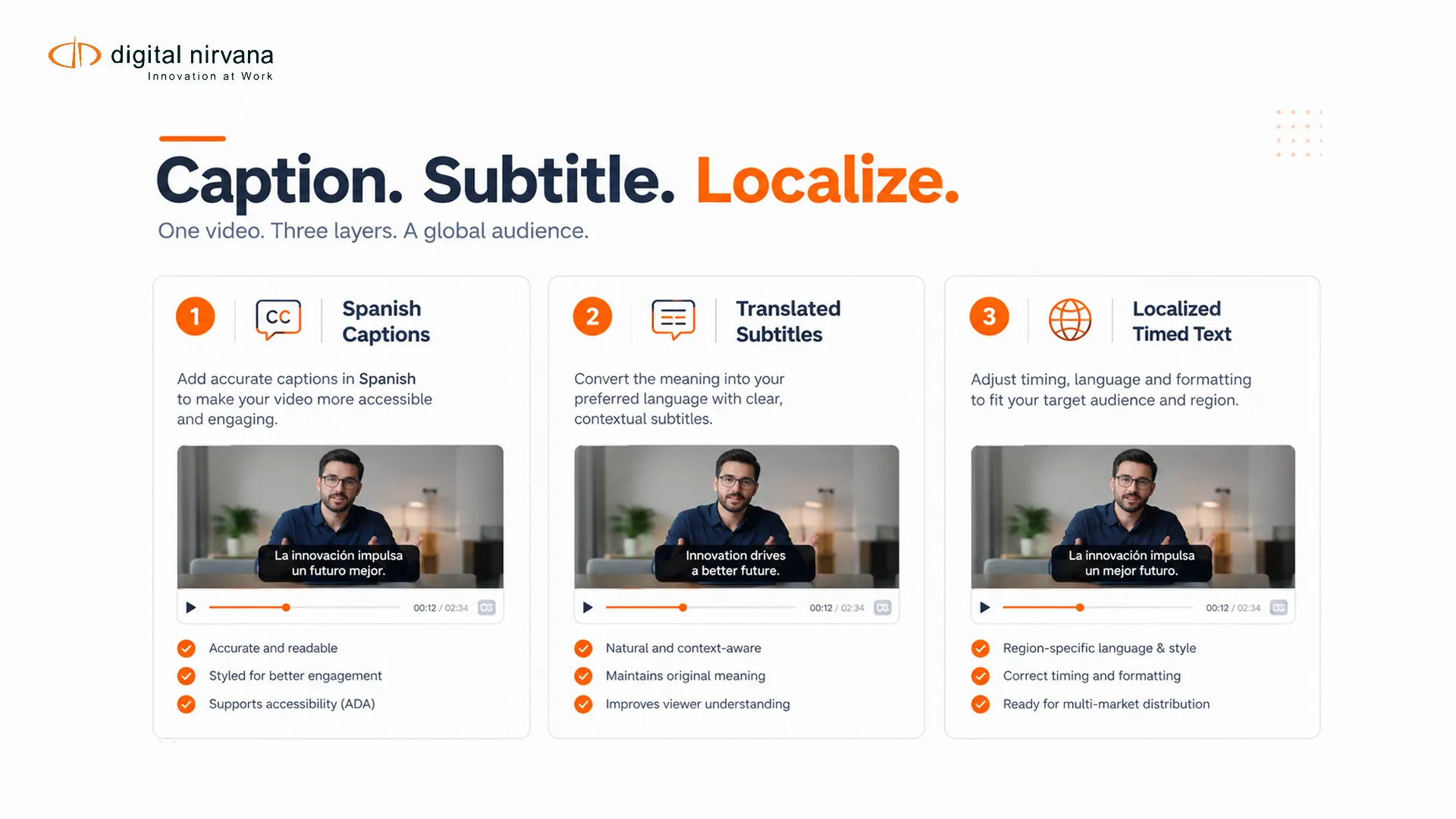
Captioning in Spanish can mean several different deliverables. A broadcaster may need Spanish closed captions for Spanish-language programming, translated Spanish subtitles for English dialogue, or localized timed text adapted to a regional audience and platform style. Those outputs share time and text, but they do not share the same editorial goal.
The job brief must define source language, target audience, Spanish variant, accessibility requirements, delivery channel and review standard. That prevents a technically valid file from failing the viewer experience it was meant to support.
Key Takeaways
- Spanish captions represent Spanish dialogue and meaningful audio for accessibility.
- Spanish subtitles may translate dialogue from another language and can follow different sound-cue rules.
- Choose a regional language variant and maintain a terminology guide.
- Review timing, reading speed, speaker identity and on-screen conflicts with the video.
- Treat regulatory and platform requirements as destination-specific inputs.
Table Of Contents
- Captions, subtitles and localization
- Spanish language decisions
- Workflow stages
- Quality-control checklist
- Platform and service roles
- FAQs
Spanish Captions, Subtitles And Localization
Spanish closed captions are an accessibility deliverable for Spanish-language audio. They represent speech plus meaningful non-speech information, such as music, alarms and relevant sound effects. Closed means the viewer can switch them on or off.
Spanish subtitles often translate dialogue from a different source language. Depending on the brief, they may assume the viewer can hear other audio and therefore omit some sound cues. Subtitles for the deaf and hard of hearing combine translation with accessibility information.
Localization goes beyond word replacement. It considers regional vocabulary, names, register, idioms, punctuation, measurement conventions and the audience’s reading context. A literal translation can be accurate at sentence level and still read poorly within a short timed cue.
The W3C captions and subtitles guidance explains the accessibility distinction between captions and subtitles. Digital Nirvana’s closed captions versus subtitles comparison applies that distinction to media workflows.
Language Decisions To Make Before Production
| Decision | Options To Define | Why It Matters |
| Spanish variant | Latin American, Castilian or named market | Vocabulary, grammar and audience expectation |
| Register | Formal, neutral or character-specific | Tone and brand consistency |
| Names and terms | Approved spellings and do-not-translate list | Search, identity and continuity |
| Profanity | Preserve, mask or adapt by policy | Editorial and platform rules |
| Numbers and units | Source form or localized convention | Readability and factual meaning |
| Songs and sound cues | Inclusion and notation rules | Accessibility and genre fit |
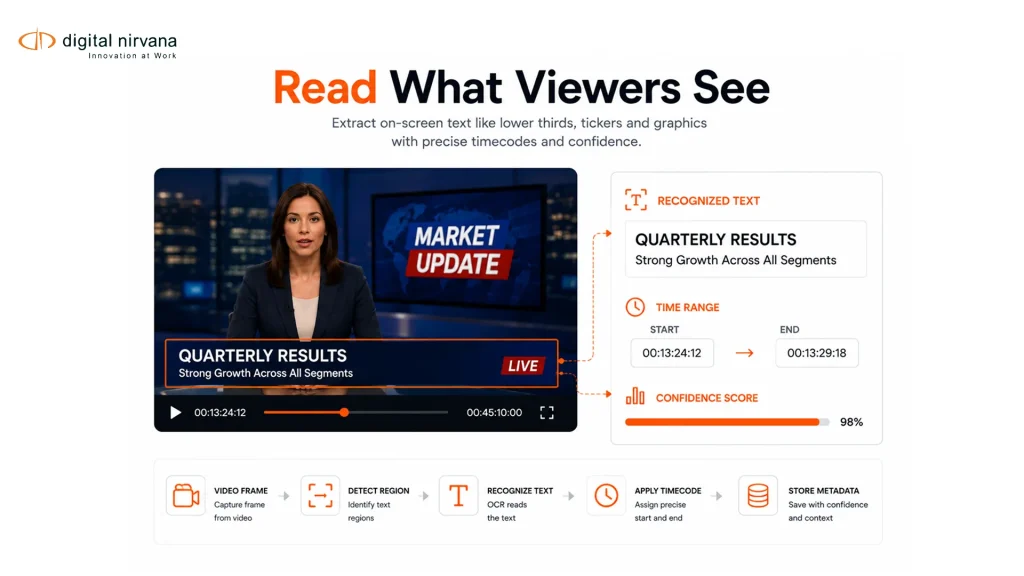
| On-screen text | Translate, retain or prioritize selectively | Reading load and visual conflict |
Create a terminology sheet before long-form or episodic work begins. Include program titles, people, organizations, technical terms, recurring places and character voices. Record approved choices so later episodes do not drift.
The Netflix Spanish timed-text style guide is one public example of destination-specific rules. It should not be treated as a universal broadcast standard, but it demonstrates the level of detail a platform may specify.
A Spanish Timed-Text Workflow
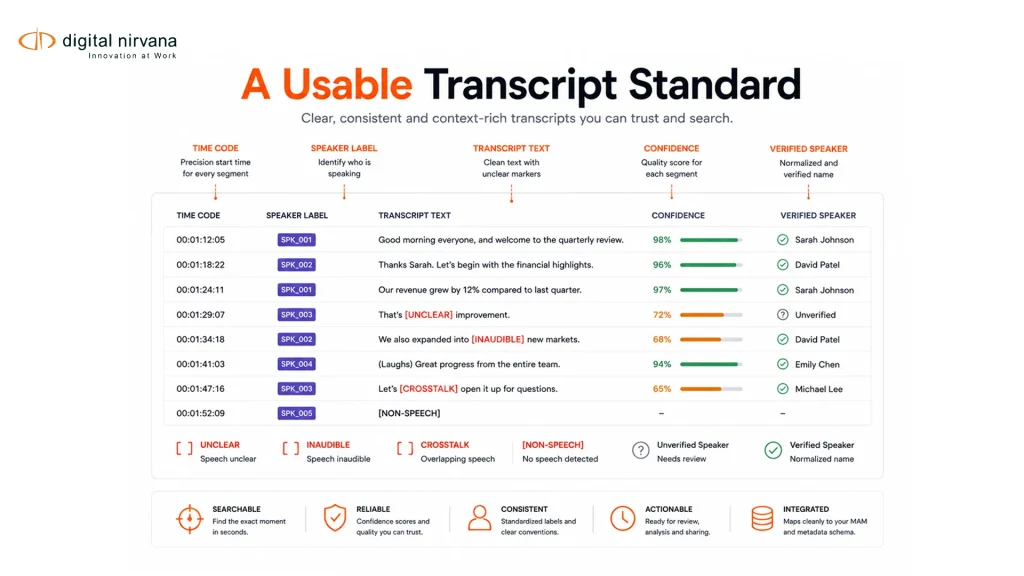
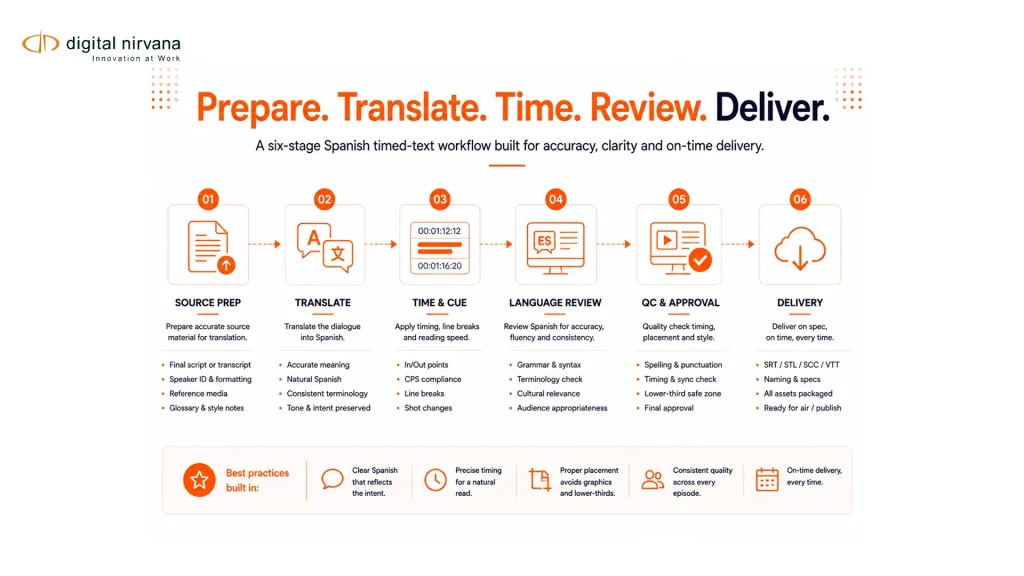
The first stage is source preparation. Confirm the correct media version, source script or transcript, frame rate, start time and any existing captions. The second is transcription or translation according to the chosen deliverable. The third is spotting, where text is divided into cues and synchronized to speech and meaningful audio.
The fourth stage is language review by a qualified Spanish reviewer using the media, not text alone. The fifth is technical QC for timing, overlap, line treatment, file structure and destination rules. The final stage packages the approved file and records its language, variant, version and review status.
Machine transcription and translation can assist production, but names, idioms, humor, code-switching and speaker intent need focused review. Quality rules should route uncertain passages and high-consequence terms to a person rather than silently accepting them.
Digital Nirvana’s article on multilingual captioning for broadcast adds workflow context for programs with several languages and outputs.
Spanish Captioning Quality-Control Checklist
- Confirm source and target languages and named Spanish variant.
- Verify every cue against the intended media version.
- Check names, numbers, places and recurring terminology.
- Preserve meaning, tone and speaker intent within cue limits.
- Identify speakers when the visual context does not make them clear.
- Represent meaningful sound information for caption deliverables.
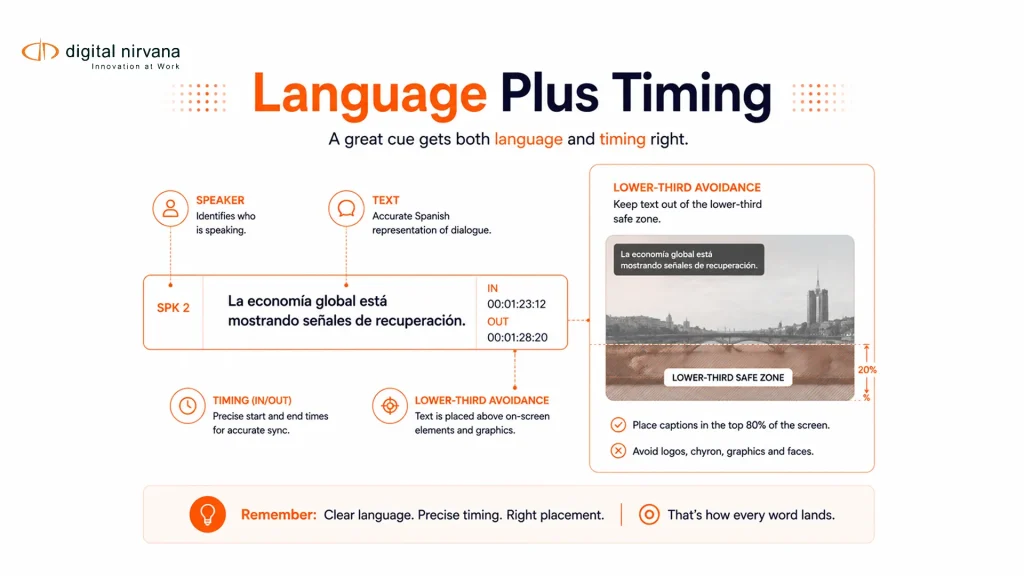
- Review cue timing, shot changes and reading load.
- Avoid covering names, lower thirds or other necessary graphics.
- Validate file syntax, language code and destination format.
- Record reviewer, style version and unresolved exceptions.
Technical format alone does not establish accessibility. A syntactically valid file can still omit meaning, run too quickly or obscure important visuals. Review must cover language, timing and presentation together.
Platform, Managed Service And Delivery Roles
TranceIQ supports workflow orchestration and review for transcription, captions and subtitles. Media Enrichment is the relevant Digital Nirvana service family when an organization needs managed captioning, subtitling, translation or related language work.
The choice depends on who will operate the workflow. A media team may use a platform with internal linguists, a managed service for production and review, or a combined model. In each case, the destination specification and approval owner should remain explicit.
FAQs
It usually means Spanish timed text that represents Spanish speech and meaningful audio. The brief should state whether the source audio is Spanish or requires translation.
Not always. Captions are an accessibility deliverable and include meaningful sound information. Subtitles commonly translate dialogue and may follow different sound-cue rules.
Choose the variant that fits the target audience and destination. If the audience spans regions, define a neutral style and document approved terms.
Automation can produce a starting point, but language, timing, names, idioms and platform compliance should be reviewed against the media.
Use the format required by the broadcaster, platform or distribution system. The same approved text may need different packaging for separate destinations.
FCC caption obligations can apply to television programming in the United States, including Spanish-language programming. Scope, exemptions and responsibility should be confirmed for the specific service and program.
Conclusion
Spanish captioning works when the language brief, accessibility goal and technical destination agree. Clear variant choices, terminology control, timed-media review and destination-specific QC reduce rework and produce a more consistent viewer experience.
To discuss a managed Spanish-language workflow or a platform-led review process, contact Digital Nirvana.