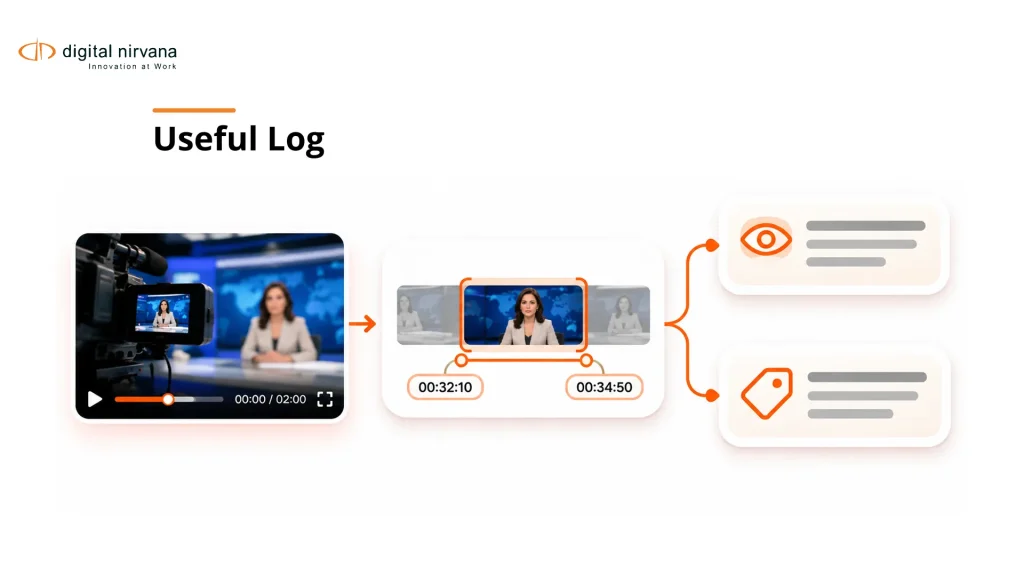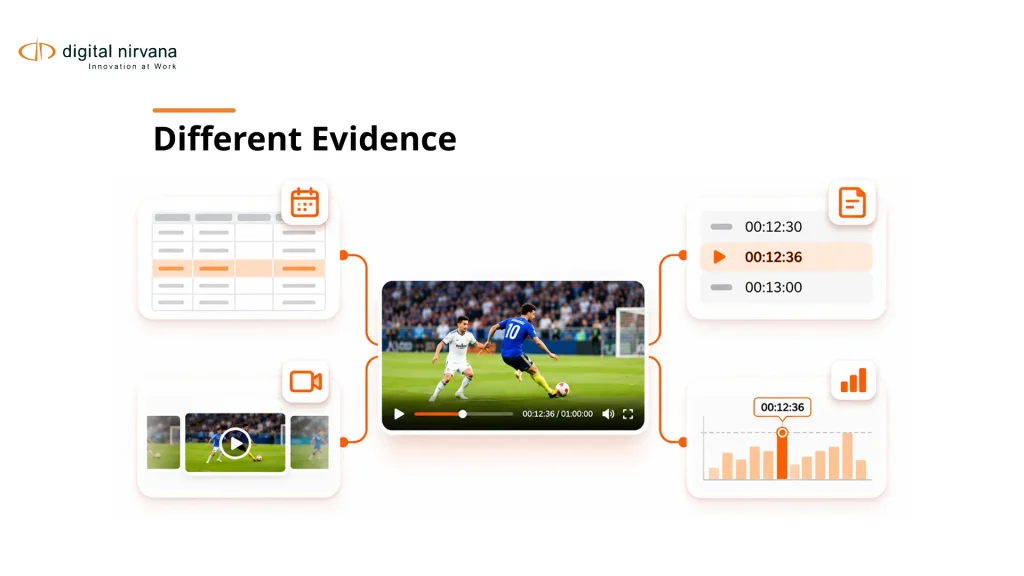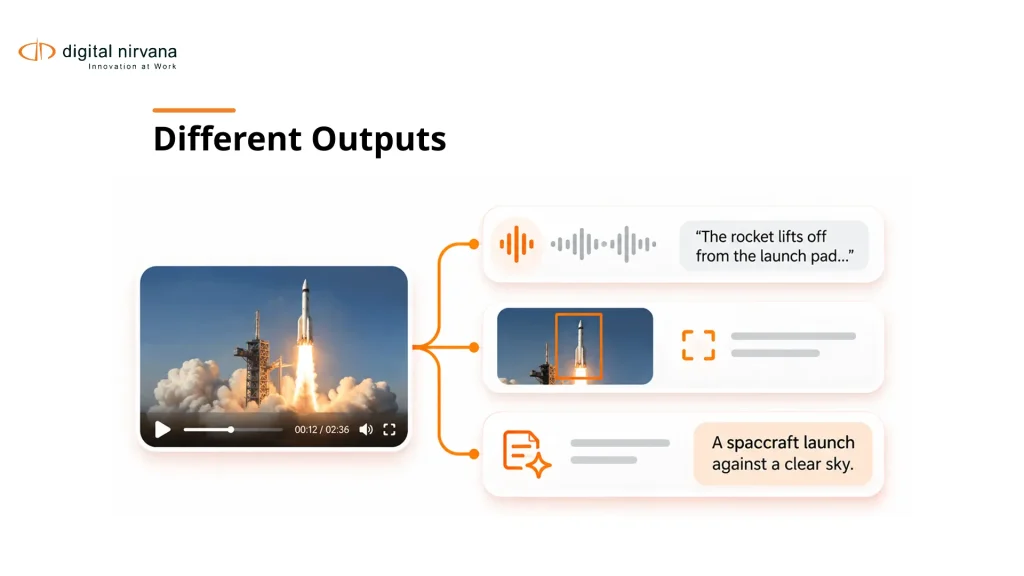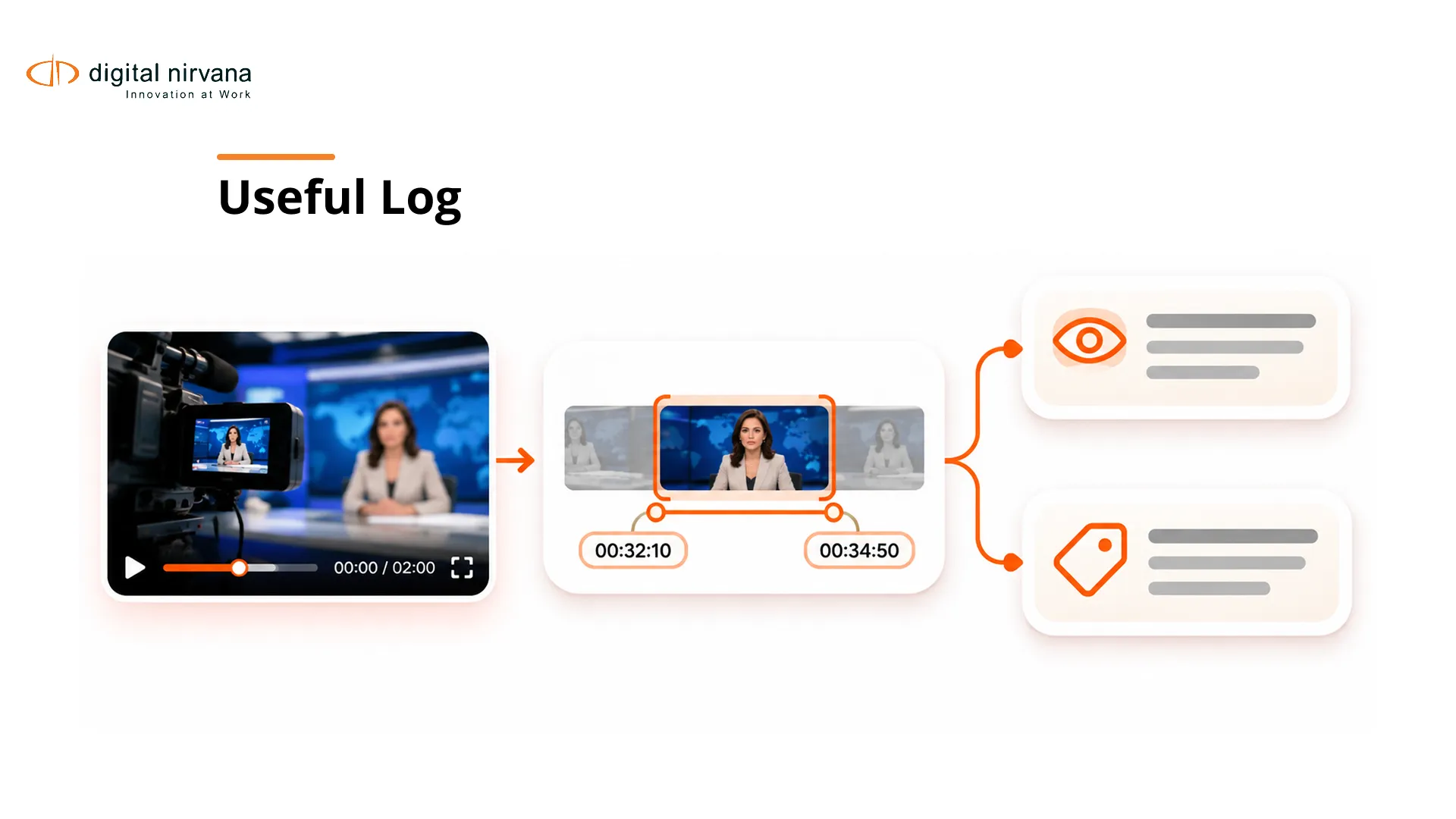
Your producer logged the strongest answer, but the note says only “good quote” and nobody can identify the take. Video logging software should turn footage review into reusable, source-linked editorial knowledge: what the moment contains, where it is, and what the team decided about it.
For post-production, compare that work product before comparing AI features. Manual logging, transcript-led selects, asset metadata, and automated rough-cut preparation overlap, but they leave different records for the receiving editor. Choose the tool that preserves the logging information your production actually needs.
Key Takeaways
- Define a log as a source-linked record with meaningful ranges and editorial context.
- Compare dedicated logging, MAM-based metadata, transcript tools, and preparation platforms by their outputs.
- Keep objective observations separate from subjective editorial judgments and approval decisions.
- Test whether a second editor can use the log without asking its creator to explain it.
- Include correction, search, export, and long-term reuse in the evaluation.
Table of Contents
- What Should Video Logging Software Capture?
- Which Tools Should Post-Production Teams Compare?
- How Do You Design a Useful Logging Schema?
- When Does Transcript-Led Logging Work Best?
- Which AI Suggestions Need Editorial Review?
- What Must a Logging Export Preserve?
- How Do You Measure Logging Value?
- How Should You Choose a Tool for Your Team?
- FAQs
- Conclusion
What Should Video Logging Software Capture?
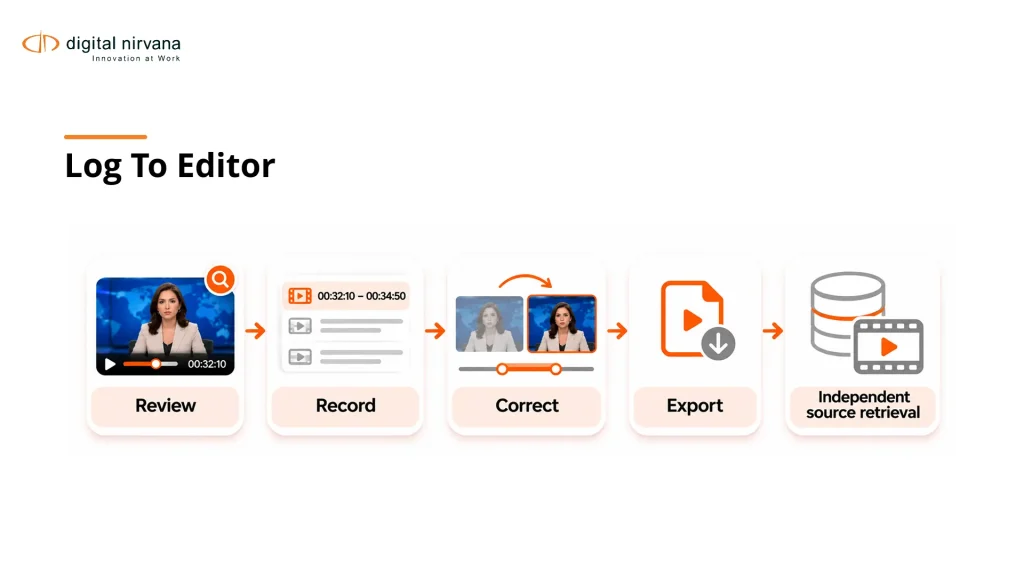
Video logging software should capture the information another production team member needs to locate, understand, and use a source moment. The minimum useful record depends on the assignment, but it should remain traceable to identifiable footage.
Record an asset or clip identifier, relevant range, time interpretation, and a description that answers an editorial question. Add scene, take, speaker, subject, or quality information when the production requires it. Separate a factual description from a preference such as “possible opening.”
Decide what a completed log means before work begins. A documentary log may need thematic relationships and sensitive-content notes; an interview assignment may need verified answers and usable soundbites. A file-level tag alone may not satisfy either brief.
Digital Nirvana’s comparison of manual logging and AI-assisted rough-cut preparation explains why these are different deliverables. A proposed sequence does not automatically replace the reusable knowledge created during source review.
Which Tools Should Post-Production Teams Compare?
Compare tools that can produce your required log, while recognizing their different operational roles. This shortlist presents documented functions and evaluation questions, without claiming a tested overall winner.
| Option | Documented Starting Point | Test Before Selecting |
| Axledit | Searchable log notes and time-ranged comments | Whether approved records and permissions fit your project |
| Iconik | Time-based metadata associated with asset segments | Whether your schema and receiving workflow remain usable |
| Reduct | Transcript-led footage review and assembly | Whether speech selections retain the context your log needs |
| Digital Nirvana RoughCut | Media discovery and proposed rough-cut preparation | Whether preparation outputs preserve required logging knowledge |
Axledit’s logging documentation describes ranged notes and searchable metadata. Iconik’s time-based metadata guidance and Reduct’s product description establish their segment-metadata and transcript-oriented roles.
Check the exact product, subscription, and installed version during evaluation. A related tool in a vendor’s portfolio may solve a different part of the process.
How Do You Design a Useful Logging Schema?
Design the schema around the questions producers and editors will ask later. A small, consistently applied set of meaningful fields is more useful than a long form nobody completes under deadline pressure.
Use a proposed structure with source identity, in and out points, observation, editorial topic, reviewer, and status. Add controlled terms for recurring people, locations, themes, or production categories. Allow free text for context that does not fit a fixed vocabulary.
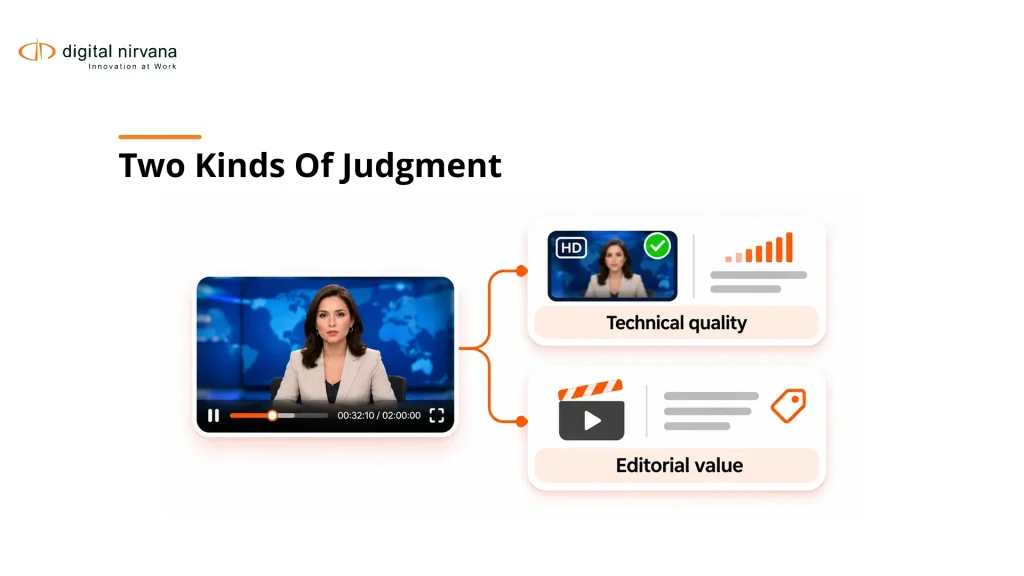
Keep technical quality separate from editorial value. A visually strong shot may contain unusable audio; a technically imperfect recording may contain an essential statement. A single star rating cannot communicate both judgments reliably.
Run a small calibration exercise. Have two people log the same material, compare their labels and ranges, and resolve ambiguous definitions. Store examples of accepted usage with the schema. This proposed practice helps expose differences before they spread across a large project.
When Does Transcript-Led Logging Work Best?
Transcript-led logging is particularly useful when spoken content drives retrieval and selection. Interviews, panel discussions, speeches, and research footage can be organized around words and themes while remaining linked to the recording.
It needs additional visual logging when the story depends on silent action, reaction shots, gestures, or environmental details. A transcript that locates an answer does not describe every picture available during it.
Test names, overlapping speakers, incomplete answers, and statements qualified later. Correct the transcript where necessary, then verify the actual audio and surrounding context before accepting a select. Preserve the difference between transcription correction and editing the media.
For an illustrative interview, mark the answer range, a usable entrance and exit, the relevant theme, and any qualification outside the selected sentence. A producer searching the log later should understand both why the answer matters and what context must be retained.
Which AI Suggestions Need Editorial Review?
Review suggestions that could misidentify people, distort meaning, or turn an interpretation into a factual claim. Automated descriptions can help users find candidates while still requiring source verification.
For example, a description calling an exchange “hostile” is an interpretation. A note identifying an observable action and its source range provides a different kind of information. Keep subjective labels visible as judgments, with an owner where appropriate.
Digital Nirvana’s RoughCut editorial preparation platform supplies a relevant AI-assisted workflow context. Evaluate its proposed output against your log specification rather than assuming an automatically assembled cut contains every field your archive or editor requires.
Give reviewers an efficient route to accept, correct, or reject suggestions. Retain accepted human observations when analysis is rerun, or explicitly reconcile changed results. A helpful candidate becomes less useful if users must repeatedly correct the same identity or context error.
What Must a Logging Export Preserve?
A logging export must preserve source references, ranges, field meanings, and the editorial status needed by the receiving team. A readable spreadsheet can still be inadequate if it disconnects the note from the media.
Ask an editor who did not create the log to import or open it and locate selected moments. Test multiple source files, similar names, different renditions, and a corrected note. Record what survives and what requires manual repair.
Define whether the destination expects elapsed offsets, source timecode, markers, subclips, or another record type. Keep individual source ranges distinct from positions in an assembled sequence. The same displayed time value can mean different things in those contexts.
Digital Nirvana’s guide to production metadata handoffs provides related context. Require the supplier to demonstrate your actual receiving configuration and retain a small regression sample for future software changes.
How Do You Measure Logging Value?
Measure whether the completed log helps another person make correct selections with less reconstruction. Counting notes or the speed of automatic analysis alone does not establish that value.
Use the same source material and editorial brief when comparing current and proposed methods. Track active source-review effort, correction effort, search and selection work, and downstream clarification. Separate those from unattended processing and waiting time.
Include a delayed reuse task. Ask a different editor to locate a moment after the original logger has moved to another assignment. This exposes ambiguous descriptions and missing source references that are easy to overlook during an immediate demonstration.
Also record what remains after a cut is delivered. A useful project log may support later promos, follow-up reporting, or archive research. A workflow that produces a faster first assembly but leaves no reusable records should be judged against that tradeoff openly.
How Should You Choose a Tool for Your Team?
Choose the tool whose logging model matches your source material, editorial questions, and receiving workflow. Begin with the existing production environment before adding another repository or preparation stage.
Document who logs, who reviews, who can change approved fields, and where records remain after the project. Compare configuration effort, seats, processing, storage, transfer, export, and support using the same workload assumptions.
Use a bounded pilot with a complete log specification and an independent receiving editor. Ask suppliers to handle an incorrect note, missing source, repeated submission, and revised taxonomy. Record unresolved requirements rather than treating a roadmap promise as delivered behavior.
Once the gap is clear, discuss an editorial preparation workflow with Digital Nirvana. Bring sample footage and the log your editor must receive so the demonstration can test a concrete output.
FAQs
Video logging software records descriptions, categories, and decisions about identifiable footage or ranges. A useful log lets another person return to the source and understand why a moment was marked.
A transcript can support speech-led logging but may omit visual action, technical quality, and editorial context. Add the fields required by the production rather than treating recognized words as a complete log.
An AI rough cut proposes selected material in a sequence, while logging produces reusable knowledge about the sources. Decide which deliverables are required and test whether the proposed workflow preserves both when necessary.
Logging should happen where users can create consistent records and preserve them for the required handoffs. The correct location depends on access, schema, media availability, and receiving-system behavior.
Use shared field definitions, controlled terms, and reviewed examples, then compare a small common sample. Resolve differences in how topics, ranges, and judgments are recorded before distributing a larger workload.
Measure successful source retrieval, usable selections, correction work, clarification requests, and downstream repair. Include a second editor’s use of the log so results reflect the handoff as well as creation.
Conclusion
Define the log your receiving editor needs, calibrate its fields, and compare tools against that deliverable. Test correction and delayed reuse before expanding the workflow. Good logging leaves source knowledge the team can trust after the original reviewer has moved on.