How educational institutions securely record remote exams with real-time monitoring, audit trails, and proof of compliance. Learn why recording integrity matters and how to implement it.
The accountability challenge: when remote exams need proof
A student disputes their exam score. Regents review the case. Your institution is asked: “Can you prove the student was the only person in the testing environment? Was that audio clear? That the system didn’t drop during the exam?”
Without secure recording and real-time monitoring, you can’t answer. No audit trail. No proof of system integrity. The institution takes the financial and reputational hit.
This scenario plays out at universities, EdTech platforms, and certification bodies every day. Remote exams are now standard, but institutions often record them carelessly or not at all. When disputes arise, the institution lacks evidence.
Why exam recording matters: compliance, liability, and fairness
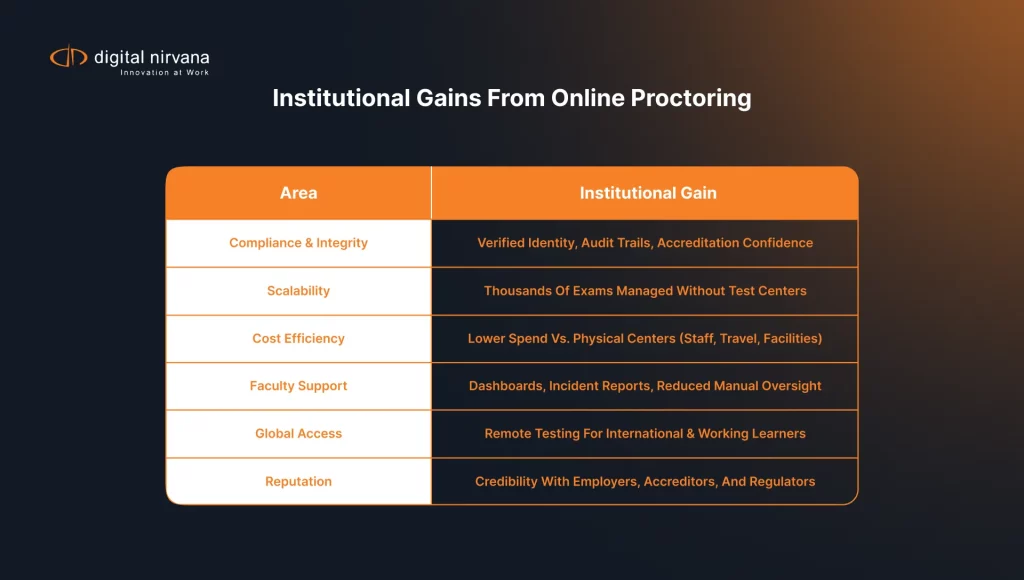
Educational institutions are legally required to demonstrate fair testing practices. Accrediting bodies audit testing integrity. FERPA (Family Educational Rights and Privacy Act) governs student records. Title II requires accessibility accommodations. When you record an exam, you create evidence that your institution honored these requirements.
Beyond compliance, recording protects both institution and students. If a student alleges cheating, you have video evidence. If a student claims the system crashed, you have logs. If a student needs accessibility accommodation, you can verify it was provided.
The three pillars: recording, monitoring, and audit trails
Recording. Capture video and audio of the exam session. The recording must be timestamped, secured (encrypted in transit and at rest), and retained for the required period (typically 7-10 years).
Real-Time Monitoring. As the exam streams, monitor for technical failures. Did the connection drop? Did audio quality degrade? Real-time alerts let staff intervene before the exam ends.
Audit Trails. Log every event: exam start time, duration, who joined, when technical issues occurred. These logs create searchable, tamper-proof evidence.
Technical architecture: streaming, recording, and playback
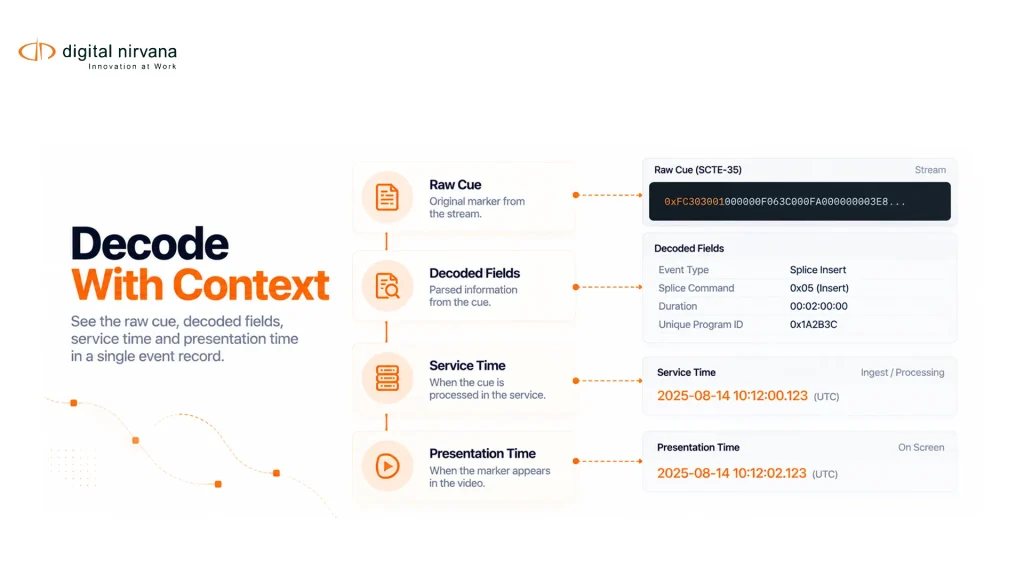
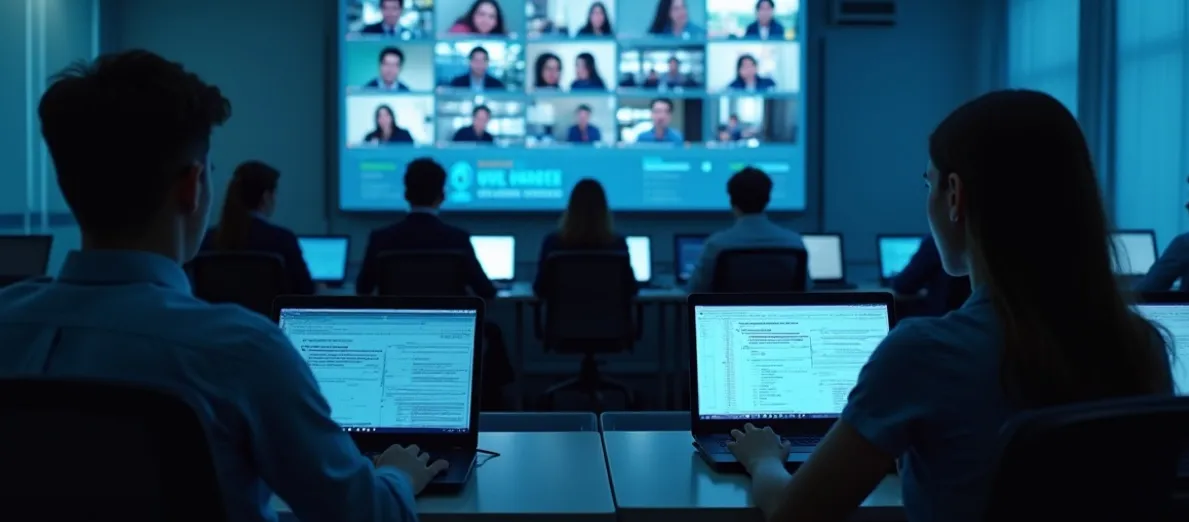
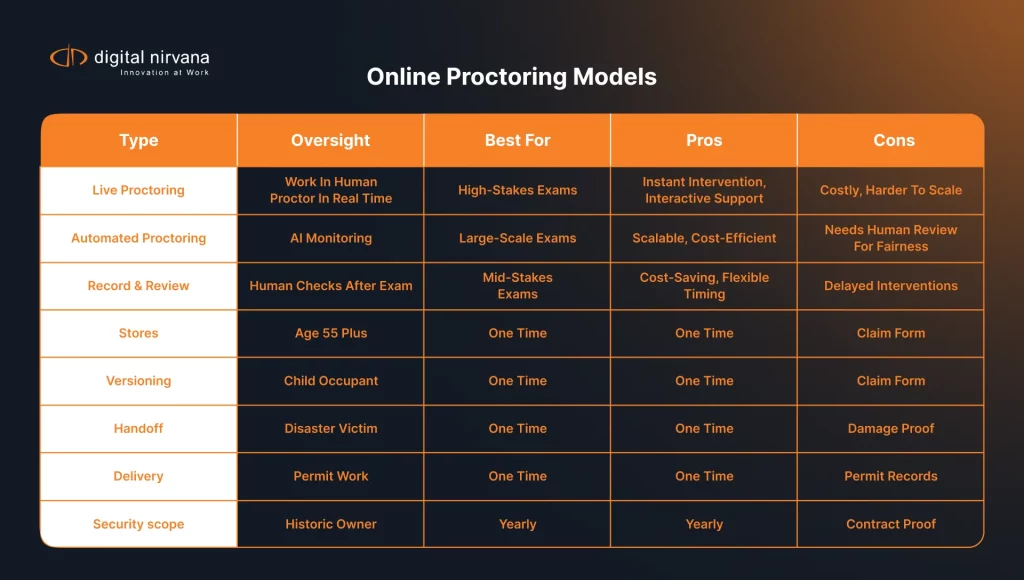
A student joins an exam video session. The exam platform streams both video and audio. A recording system captures the stream in real time. Simultaneously, a monitoring system tracks technical quality (latency, packet loss, audio levels). When the exam ends, the recording is encrypted and archived. Metadata is indexed (student ID, exam name, timestamp).
Later, if a dispute arises, staff can search the audit trail, retrieve the recording, and review it. If regulators audit, staff can generate compliance reports showing 99.9% recording uptime and 100% audit trail coverage.
Real-time monitoring: catching technical failures before they affect students
A student’s internet drops 10 minutes into a 1-hour exam. Without monitoring, staff doesn’t know until the student contacts them hours later. With real-time monitoring, an alert fires within seconds: “Connection lost for Student ABC at 14:32.” Staff can intervene immediately.
Broadcast-grade monitoring systems track video quality, audio quality, and network health. They baseline expectations and alert when thresholds are breached. For exams, this means:
- Audio drops below intelligible levels → immediate alert
- Student’s camera feed freezes → immediate alert
- Connection shows >5% packet loss → immediate alert
- Proctoring screen goes dark → immediate alert
Audit trail and evidence integrity: creating searchable compliance proof
An auditor asks: “Show me all exams held in Q3. Prove 100% were recorded. Prove no recordings were edited.” Without metadata indexing, answering this question is manual and error-prone. With metadata indexing, the answer appears in seconds.
Metadata tagging enables rapid response to disputes. A student files a complaint about exam accessibility. Staff searches: “Find all exams for this student. Show accessibility accommodations granted.” The system returns a list with timestamps. This data is tamper-proof.
Accessibility and inclusive testing: recordings that serve all students
When students with disabilities take exams, they use accommodations: extended time, screen readers, magnification, captioning. These must be documented and verifiable. A recording of an accessible exam should include:
- Captions for students with hearing disabilities
- Clear audio without background noise
- Visible timestamps showing when extended time began and ended
- Log entries documenting which assistive technologies were active
After an exam, staff can verify accommodations were provided. If regulators ask, “How do you ensure equitable access?”, the recording demonstrates your commitment to accessibility.
Student privacy and data security: protecting FERPA records
Exam recordings contain personally identifiable information and are protected by FERPA. This means:
- Recordings must be encrypted in transit and at rest
- Access must be logged (who viewed, when, why)
- Retention must be time-limited (typically 7-10 years)
- Deletion must be verifiable
Many institutions store exam recordings in secure, compliant cloud environments with encryption frameworks. The recording system should provide audit logs showing who accessed which records, when, and for what purpose.
Common scenarios: when recording saves institutions
Scenario 1: “My internet dropped during the exam.” Without monitoring, it’s disputed. With monitoring, you show: connection dropped at 2:47 PM, lasted 45 seconds, then reconnected. The recording proves testing was interrupted.
Scenario 2: “Another student was in the room.” The recording shows who was in the environment at all times. If a third party appears, you investigate. This deters cheating and protects honest students.
Scenario 3: “Accreditors are reviewing our testing practices.” Your institution generates: “100% of exams recorded. 98.5% of recordings verified for audio quality. 100% of audit trails complete.” This demonstrates institutional rigor.
Implementation: moving from ad-hoc to systematic
Phase 1 (Weeks 1-2): Audit current state. How are exams recorded? Where are recordings stored? Is there monitoring?
Phase 2 (Weeks 3-4): Choose your tools. Options: build in-house, buy dedicated platform, or integrate real-time monitoring with your existing exam system.
Phase 3 (Weeks 5-8): Implement recording and monitoring. Set up automated recording, deploy monitoring dashboards, test with a pilot cohort.
Phase 4 (Weeks 9-12): Add metadata and audit trails. Tag all recordings, set up searchable indexing, train staff, generate compliance reports.
Timeline to full deployment: 8-12 weeks for most institutions.
Common objections and concerns
“Isn’t exam recording expensive?” DIY systems cost $50-150K to build. Dedicated proctoring platforms cost $2-5 per student exam. Integrated monitoring often costs less than $1 per exam. For an institution with 10,000 exams yearly, that’s $10K annually.
“Will recording discourage student participation?” Initial concern, but data shows the opposite. Students trust recording because it protects them (proof they didn’t cheat).
“Aren’t recordings a privacy nightmare?” Not if you follow FERPA. Encrypt, limit access, log viewers, delete on schedule. Your institution already handles sensitive data.
Success metrics and compliance proof
Track these KPIs to measure exam recording health:
Accreditor satisfaction: Do auditors pass the compliance review on first submission?
Recording success rate: Target 100% of exams recorded
Audio quality verification: Target 98%+ of recordings with clear audio
Real-time monitoring detection: Target 90%+ of technical issues caught during exams
Audit trail completeness: 100% of exams should have complete metadata
Dispute resolution time: Target: resolve disputes within 2 business days
Accreditor satisfaction: Do auditors pass the compliance review on first submission?
Explore exam recording and compliance solutions
MonitorIQ for real-time exam stream monitoring
Real-time quality monitoring for video exams, technical alert detection, and QoE dashboards. Catch connection drops and audio failures before they affect students.
MetadataIQ for searchable exam audit trails
Index and search exam recordings by student, date, issue type, or compliance status. Generate compliance reports for accreditors in seconds.
Media Enrichment services for exam recording and archival
Managed recording, secure encryption, FERPA-compliant storage, and retention management for exam recordings at scale.
TranceIQ for accessible exam materials
Add captions to exam instructional videos and post-exam recordings for WCAG compliance and accessibility accommodation documentation.
Read: Broadcast compliance logging for educational institutions
Extended guide on compliance documentation, audit trails, and evidence retention for regulated environments.
Frequently asked questions
How long should we keep exam recordings?
FERPA doesn’t specify retention, but accrediting bodies expect 7-10 years. After the retention period, recordings should be securely deleted with verification logs. Legal holds may require longer retention if disputes are pending.
Can students request copies of their exam recordings?
Yes, under FERPA students have a right to see their educational records. Your institution should have a process to fulfill requests (download recording, redact others’ info, provide within 45 days).
What if a recording has audio issues that affected student performance?
Review the monitoring logs. If audio quality dipped below acceptable levels, the student has grounds for a make-up exam or score review. Real-time monitoring catches these issues so you can offer remediation immediately.
How do we handle accommodations in recorded exams?
Document accommodations in metadata tags: “Extended time: 14:30-15:15,” “Screen reader enabled,” “Captions provided.” When reviewing recordings, these tags help verify accommodations were honored.