An editor needs a specific b-roll clip from a shoot three months ago. She knows roughly what it looks like: a wide shot of a factory floor, someone in a hard hat gesturing toward machinery. She doesn’t know the file name, the folder it’s in, or which drive it landed on after the last archive migration.
Forty minutes later, she finds it. Forty minutes that weren’t in the schedule, on a deadline that was already tight before the search started.
This is the quiet tax that bad media asset management charges every production team, whether they notice it or not. It doesn’t show up as one dramatic failure. It shows up as forty minutes here, an hour there, repeated across every editor, every producer, every deadline, until the organization is spending more time finding content than making it.
Why Media Asset Management Becomes a Bottleneck in the First Place
Most media organizations don’t set out to build an unsearchable archive. It happens gradually, as a natural byproduct of growth.
Volume outpaces tagging capacity. A small production team can keep up with manual logging when there’s one shoot a week. That same manual process collapses under the weight of daily live coverage, multiple simultaneous productions, or a growing OTT catalog.
Metadata standards drift over time. Different editors tag things differently. One calls it “factory b-roll,” another calls it “manufacturing floor,” a third doesn’t tag it at all. Search only works when the underlying metadata is consistent, and consistency is hard to maintain manually across a growing team.
Systems don’t talk to each other. Footage lives in one system, transcripts in another, rights and licensing information in a spreadsheet somewhere else. Even when each individual system works fine, the disconnect between them is where searches fail.
Archiving becomes an afterthought. Content gets properly organized during active production, then quietly loses that structure once it moves to long-term storage, because nobody owns the archive the way they own the active project.
What Good Media Asset Management Actually Looks Like
The goal isn’t a perfectly organized archive for its own sake. It’s a system where finding and reusing content takes less time than creating it from scratch, which is the entire point of having an archive at all.
A few markers separate a genuinely functional system from one that just looks organized:
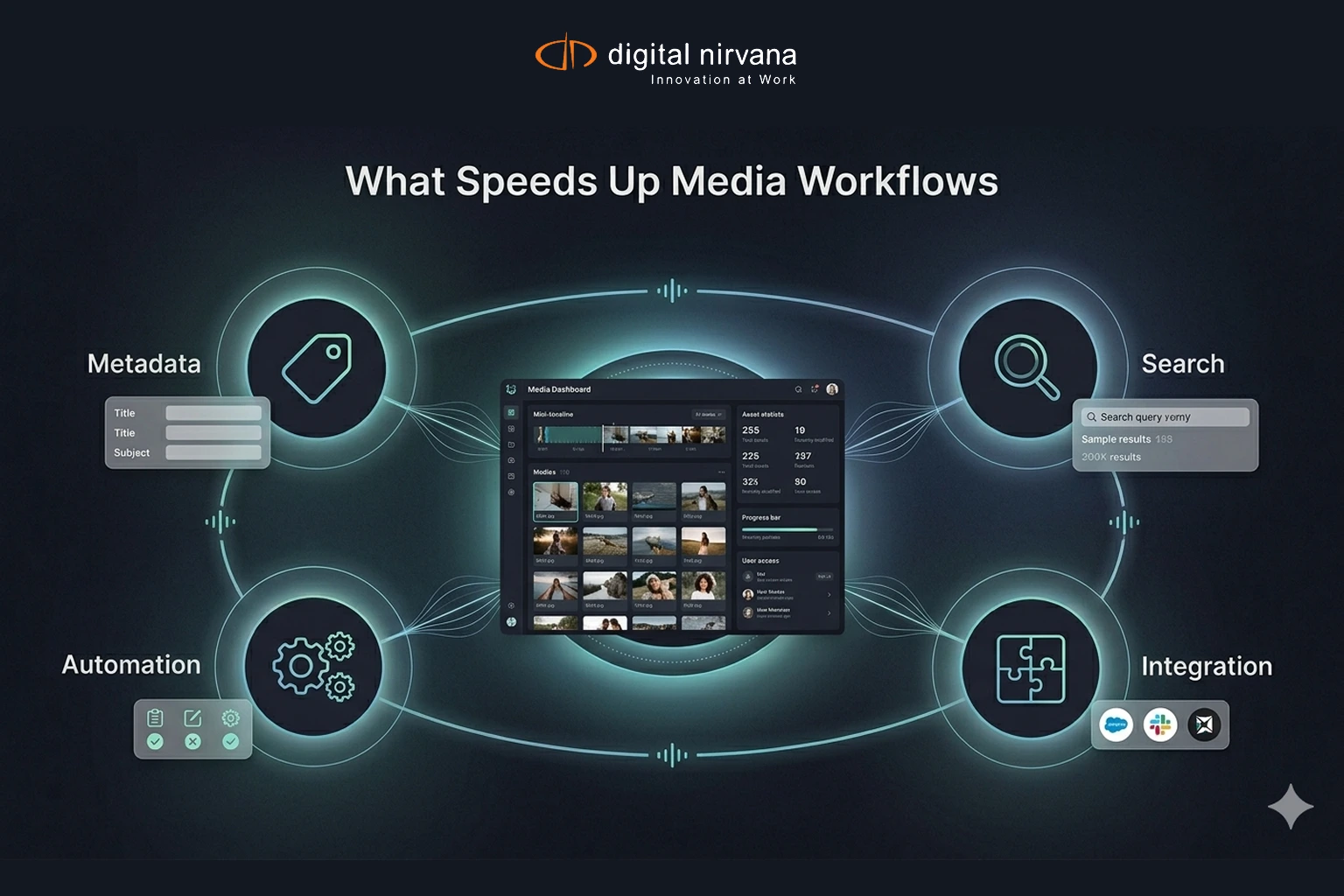
- Search returns results in seconds, not minutes, regardless of how old the content is
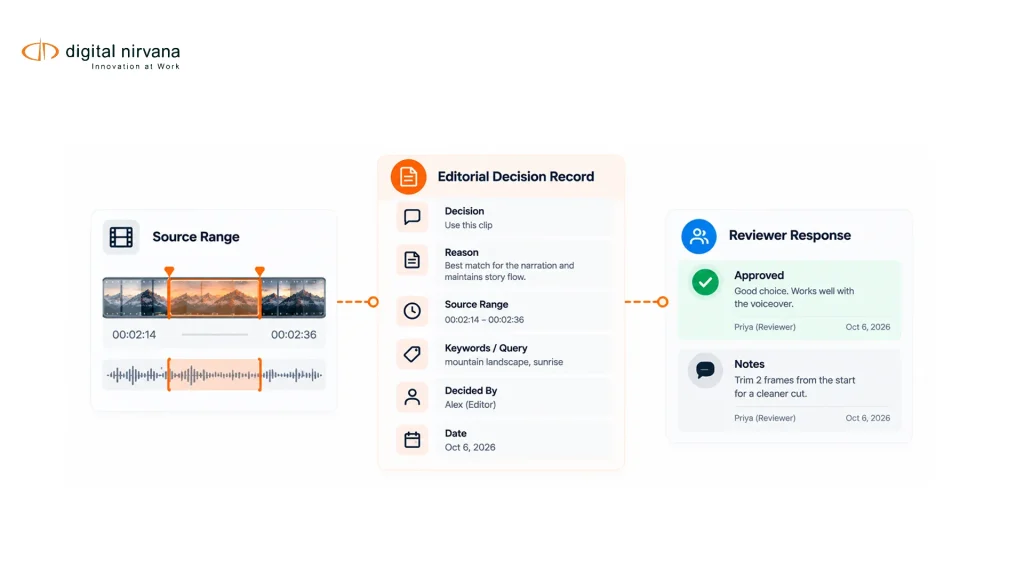
- Metadata gets applied automatically at ingest, not as a separate task someone has to remember to do later
- The system integrates with existing tools, like Avid, Grass Valley, or whatever MAM and PAM platforms a team already relies on
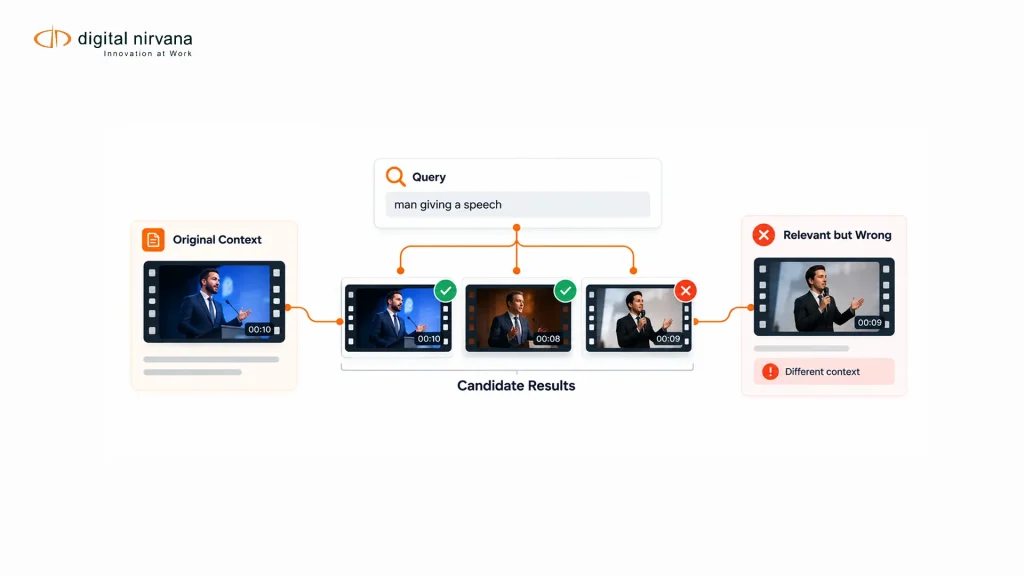
- Search works by content, not just filenames, meaning a producer can search for what’s actually in a clip, a person, a location, a spoken phrase, not just what someone happened to name the file
How Automated Metadata Removes the Bottleneck Without Adding Steps
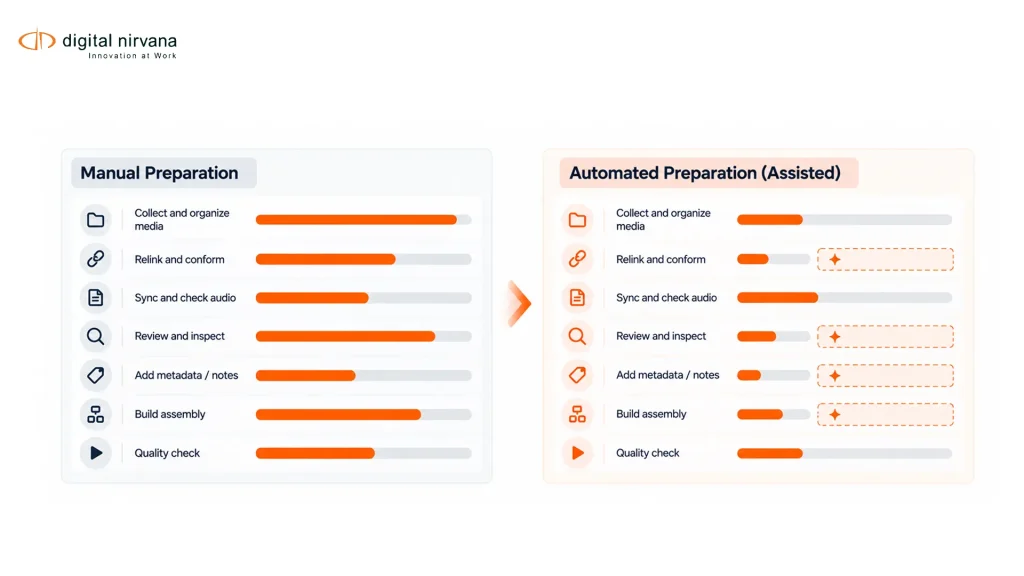
The instinct when asset management breaks down is often to add process: stricter naming conventions, mandatory tagging checklists, more thorough logging requirements. This usually backfires, because it adds friction to production instead of removing it, and tired production teams under deadline pressure tend to skip steps that slow them down.
The better approach automates metadata generation at the point of ingest, so tagging happens as a byproduct of the workflow rather than an extra task layered on top of it. As content comes in, AI models generate transcripts, identify speakers, detect on-screen text and logos, and flag scene changes automatically. None of that requires an editor to stop and manually log anything.
This is the specific problem MetadataIQ is built to solve, automating metadata generation and indexing across live and archival content within existing PAM and MAM ecosystems, so content becomes searchable without adding a manual step to anyone’s daily workflow.
A Practical Workflow: From Ingest to Instant Retrieval
Consider a mid-sized production company handling a mix of corporate video, documentary footage, and recurring client shoots. Footage comes in from multiple crews, shot on different equipment, with wildly inconsistent file naming.
At ingest, automated metadata generation runs immediately: speech-to-text creates a searchable transcript, object and scene recognition tags visual content, and everything gets indexed into the existing MAM system without anyone manually entering tags. When an editor needs that factory floor b-roll six months later, she searches “factory,” “hard hat,” or even a phrase she remembers someone saying on camera, and the system surfaces the clip in seconds.
The production team never slowed down to create this searchability. It happened automatically, as a byproduct of a workflow that was already running.
The Cost of Getting This Wrong
| Impact Area | Cost of Poor Asset Management | Benefit of Automated Metadata |
| Editorial time | Staff spend hours searching instead of creating | Content is found in seconds |
| Deadline reliability | Manual search delays threaten publish windows | Faster turnaround protects delivery schedules |
| Content reuse | Valuable footage sits forgotten and unused | Archives become active, reusable production assets |
| Licensing and archive value | Under-tagged libraries are hard to sell or license | Searchable metadata unlocks monetization opportunities |
| Team morale | Repeated manual searching is tedious and demoralizing | Staff spend time on creative work, not file hunting |
A Checklist for Evaluating Your Current Asset Management Setup
- Time how long it actually takes staff to locate a specific, non-recent piece of content
- Check whether metadata tagging happens automatically at ingest or relies on manual entry
- Confirm your system searches by spoken content and visual detail, not just filenames and folders
- Verify integration with your existing production tools rather than requiring a separate, disconnected system
- Review whether archived content maintains the same metadata quality as actively produced content
- Ask your team directly where they lose the most time; the answer is usually more specific than “search is slow”
Common Objections, Answered
“We already have a MAM system. Isn’t that enough?” A MAM system stores content. It doesn’t automatically make that content searchable by what’s actually inside it unless metadata generation is built into the ingest process, not bolted on afterward.
“Automated tagging sounds like it could introduce errors.” It can, which is why confidence scoring and targeted human review matter. The goal isn’t blind automation, it’s removing the manual burden from the majority of content while still catching the segments that need a closer look.
“Our team is already stretched thin. We don’t have time to implement a new system.” This is exactly the argument for automation over added process. A system that tags content automatically at ingest requires less ongoing staff time than the manual searching it replaces, not more.
How Digital Nirvana Supports Fast, Searchable Media Asset Management
Beyond the core indexing and search layer that MetadataIQ provides, the underlying AI models behind that automation, speech-to-text, object and logo recognition, scene detection, run on MediaServicesIQ‘s AI/ML microservices, giving production teams the flexibility to apply the same intelligence across different workflow stages.
For organizations sitting on years of under-tagged legacy footage, Media Enrichment services provide managed, human-assisted batch processing to bring archives up to the same searchable standard as newly ingested content, including generating accurate transcripts and captions through TranceIQ for footage that was never properly documented the first time around. And because scalable, cloud-based infrastructure often underpins fast search across a growing archive, Cloud Engineering supports the modernization work that keeps large media libraries performant as they grow.
Why This Discipline Compounds Over Time
The value of good media asset management doesn’t show up all at once. It compounds, quietly, every time a producer finds a clip in seconds instead of an hour, every time an archive becomes a source of new revenue instead of dead weight, every time a deadline gets hit because nobody was stuck searching for footage that should have been easy to find.
Digital Nirvana’s approach across metadata automation and archive workflows, reflected in its documented customer outcomes, broadcast compliance monitoring, and broader platform, treats this as infrastructure, not a convenience feature, because for a production team under deadline pressure, the difference between a searchable archive and an unsearchable one is often the difference between hitting a publish window and missing it.
Conclusion
Media asset management fails quietly, one delayed search at a time, until an organization realizes it’s spending more time finding content than creating it. The fix isn’t more process or stricter manual discipline. It’s automating metadata generation at the point of ingest, so searchability becomes a byproduct of production rather than an extra task competing with it. Get that right, and asset management stops being a bottleneck and starts being the thing that makes every future production faster than the last.
Key Takeaways
- Poor media asset management rarely fails all at once; it accumulates as inconsistent tagging, disconnected systems, and neglected archives
- Automated metadata generation at ingest removes the manual tagging burden instead of adding another step to production
- Search should work by actual content, spoken words, visual detail, not just filenames and folder structure
- Integration with existing MAM, PAM, and production tools matters more than adopting a separate, standalone system
- The value of fast, searchable asset management compounds over time as archives grow and content gets reused
FAQ
How much time do production teams typically lose searching for media assets? It varies widely by organization, but manual searches for older or inconsistently tagged content commonly take anywhere from several minutes to over an hour per instance, time that adds up quickly across a full production team.
Does automating metadata generation replace the need for a MAM or PAM system? No. Automated metadata generation works within existing MAM and PAM environments, making the content already stored there searchable, rather than replacing the storage and workflow system itself.
Is it worth applying automated metadata to old, already-archived content? Often yes, especially for organizations with valuable legacy footage. Batch processing older archives brings them up to the same searchable standard as newly ingested content, unlocking reuse and licensing value that was previously locked away.