An editor pulls up four hours of raw dailies looking for one specific line of dialogue. She remembers the actor said it somewhere in the second setup, but not the timecode. Thirty minutes later, she’s still scrubbing. That thirty minutes, multiplied across every editor, on every project, every week, is exactly the kind of hidden cost automatic audio transcription was built to eliminate.
Post-production has always run on tight turnarounds and tighter budgets. What’s changed is how much of that workflow can now start the moment footage lands, instead of waiting for someone to log it by hand. Automatic transcription has quietly become one of the highest-leverage tools in the post-production pipeline, and teams that haven’t built it into their workflow yet are working harder than they need to.
Why Transcription Sits at the Center of Modern Post Workflows
Transcription used to be treated as a downstream task, something that happened after picture lock, mostly to support captioning or subtitling deliverables. That framing undersells what transcription actually does for a post-production team.
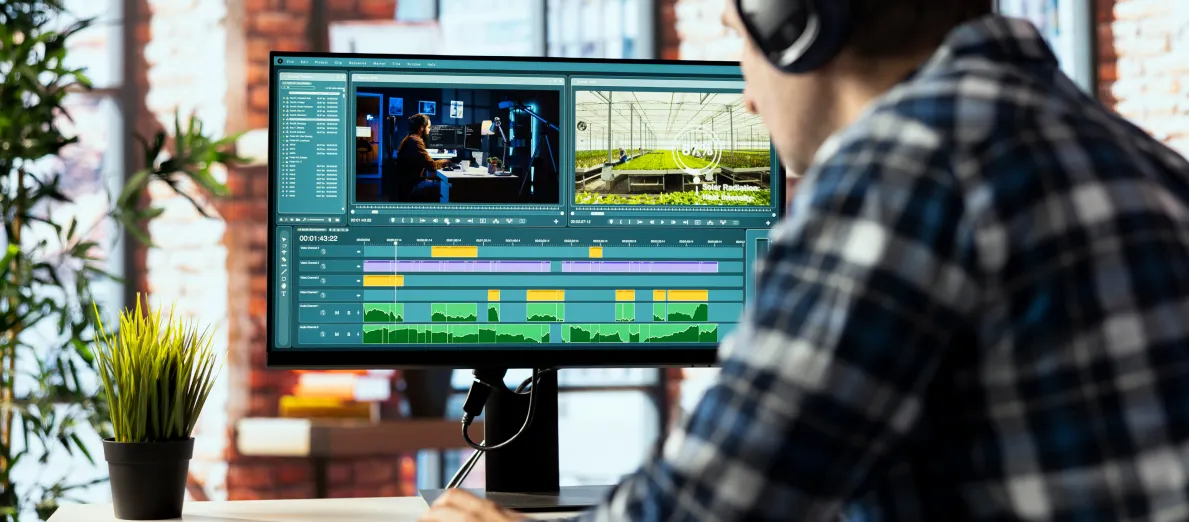
A searchable, time-coded transcript turns every word spoken on camera into a navigable index. Editors can find a quote by typing it instead of scrubbing for it. Assistant editors can sync dailies faster because dialogue and timecode are already aligned. Producers can pull selects for a trailer or promo without re-watching hours of footage. And when it’s time to deliver captions, subtitles, or translated versions, the transcript is already there, not something that has to be generated from scratch under deadline pressure.
Treated this way, transcription isn’t a delivery requirement tacked onto the end of a project. It’s editorial infrastructure that speeds up everything that happens between ingest and final cut.
The Core Problem: Manual Logging Can’t Keep Pace With Modern Shoots
Shoot ratios have gone up. Multi-camera setups, run-and-gun documentary footage, and reality and unscripted formats routinely generate far more raw footage than a traditional single-camera scripted shoot. Manual logging and transcription, done by a human sitting with headphones and a notepad, simply cannot scale with that volume without adding real time and cost to a schedule that rarely has room for either.
The bottleneck shows up in predictable places. Assistant editors spend hours syncing and logging instead of assisting the edit. Producers wait days for select transcripts before they can start assembling a cut. Caption and subtitle vendors receive incomplete or inconsistent source transcripts, which creates rework later in the pipeline. And when a project needs a quick turnaround, like a news package or a reality show episode airing within days of the shoot, manual transcription timelines become the thing standing between the team and the deadline.
What Changed: Automatic Transcription Reaching Post-Production Quality
Automatic speech recognition has improved enough that it’s no longer just a rough guide for editors to work around. Modern transcription tools handle multiple speakers, overlapping dialogue, accents, and industry-specific terminology with a level of accuracy that makes the output genuinely usable, not just a placeholder.
The workflow that actually works best combines automated transcription with a human review layer, rather than relying entirely on either extreme. Fully manual transcription is accurate but slow and expensive at scale. Fully automated transcription with no review can miss nuance, misattribute speakers, or stumble on proper nouns and technical terms specific to a production. A hybrid approach, automated first pass plus targeted human QC, gets teams both the speed and the reliability post-production actually needs.
How Automatic Transcription Fits Into the Post-Production Pipeline
The most effective implementations don’t treat transcription as a separate step. They build it directly into ingest.
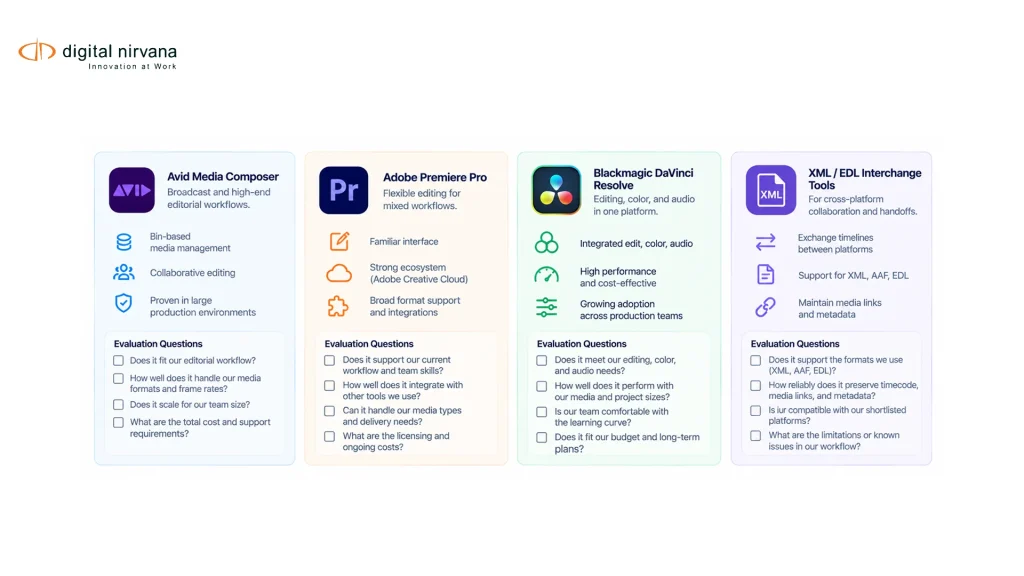
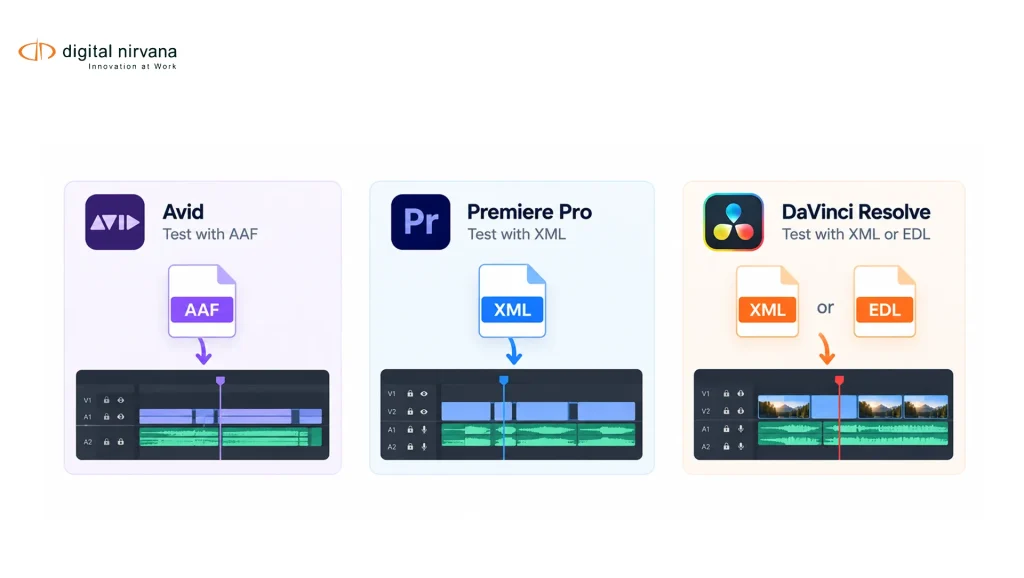
As footage comes in, automatic transcription generates a time-coded, searchable transcript alongside the media file. That transcript becomes immediately available inside the editing environment, whether that’s Avid, Adobe Premiere, or another NLE, so editors can search dialogue the same way they’d search a document. Assistant editors use the synced transcript to speed up logging and syncing rather than doing it from scratch. When the project moves toward delivery, the same transcript feeds directly into captioning, subtitling, and localization workflows instead of requiring a separate transcription pass.
Solutions like TranceIQ are built specifically around this kind of integration, combining cloud-based transcription with API and workflow connections into existing post-production systems, so the transcript is part of the pipeline from ingest through final delivery rather than a bolt-on step at the end.
A Real-World Workflow: Documentary Post-Production Under Deadline
Picture a documentary team wrapping a shoot with 60 hours of interview and B-roll footage, and a rough cut due in three weeks. Under a manual logging workflow, transcription alone could eat several days before editorial work even starts in earnest.
With automatic transcription running at ingest, every hour of footage is searchable within hours of arriving, not days. The editor searches for specific topics or quotes across the entire interview archive instead of scrubbing timelines. The producer pulls a list of the strongest sound bites by reading transcripts side by side instead of re-watching every interview. And by the time picture lock approaches, the transcript that’s already been refined through the edit becomes the foundation for captions and any translated versions the distributor requires, with no separate transcription pass needed.
That same workflow scales down to a single-camera scripted shoot and up to a multi-week reality production, because the core mechanism, searchable time-coded transcription generated at ingest, doesn’t change with format or genre.
Measurable Impact: What Automatic Transcription Actually Saves
| Workflow Stage | Manual Transcription | Automatic Transcription (with QC) |
|---|---|---|
| Time to searchable transcript | Days after ingest | Hours after ingest |
| Dialogue search during editing | Manual scrubbing | Instant text search |
| Caption/subtitle prep | Separate transcription pass | Transcript already exists |
| Assistant editor logging time | Hours per project | Minutes for review and correction |
| Multilingual delivery readiness | Starts from scratch | Starts from existing transcript |
Teams that build automatic transcription into ingest typically cut the time between raw footage and a searchable, editable transcript from days down to hours, freeing editorial staff to spend their time on storytelling instead of logging.
Implementation Considerations for Post-Production Teams
A few things are worth planning for before rolling this out across a facility. Integration with existing NLE and MAM systems matters more than raw transcription accuracy alone, since a perfect transcript that lives outside the edit system doesn’t save anyone time. Speaker identification and diarization accuracy should be tested against your actual content types, since interview-heavy documentary footage behaves differently than scripted dialogue or noisy field audio. A defined human review step keeps accuracy high for names, technical terms, and any content headed for broadcast or legal use. And workflow ownership needs to be clear, whether transcription review sits with an assistant editor, a post-production coordinator, or a dedicated media operations role.
Key Capabilities to Prioritize When Evaluating a Transcription Solution
- Accurate multi-speaker diarization for interview and multi-camera content
- Time-coded, searchable output that integrates directly with Avid, Premiere, or your NLE of choice
- API-based workflow integration rather than a standalone tool outside the pipeline
- Human review workflow for accuracy on names, terminology, and sensitive content
- A direct path from transcript to captioning, subtitling, and localization without re-transcribing
Addressing the Common Objections
“Automatic transcription isn’t accurate enough for our content.” Accuracy has improved significantly, and the gap that remains is best closed with a targeted human review layer rather than dismissing automation entirely. Most teams find automated-plus-review delivers both speed and the accuracy broadcast and legal delivery requires.
“We already have a logging process that works.” A manual process that works at low volume often breaks down as shoot ratios and project volume increase. The question isn’t whether manual logging works today, it’s whether it scales without adding headcount or slipping deadlines as volume grows.
“Adding another tool to our pipeline sounds like more complexity, not less.” The goal is workflow integration, not a separate standalone system. A transcription solution that connects directly into your existing NLE and MAM environment reduces complexity by removing a manual step, rather than adding one.
Where Digital Nirvana Fits Into Post-Production Transcription
This is precisely the workflow gap TranceIQ was built to close, generating accurate, time-coded transcripts at ingest and carrying that transcript directly through to caption and subtitle delivery, with human review workflows built in rather than bolted on.
For teams that also need to search and reuse footage across an entire archive, not just a single project, pairing transcription with MetadataIQ turns those transcripts into fully searchable, taggable media assets integrated with existing MAM and DAM systems. When post-production volume spikes and internal teams need extra capacity for caption QC, subtitling, or multilingual delivery, Media Enrichment provides managed, human-assisted support without requiring a facility to staff up internally. And for productions that need deeper AI-driven insight into footage, such as scene descriptions, object detection, or automated summaries alongside the transcript, MediaServicesIQ extends that capability through API access.
Bringing Transcription Into the Center of the Post Workflow
Automatic transcription stopped being a nice-to-have the moment shoot ratios outpaced what manual logging could reasonably handle. Facilities and post teams that build searchable, time-coded transcription into ingest aren’t just saving time on one task, they’re removing a bottleneck that touches editorial search, assistant editor logging, caption delivery, and multilingual distribution all at once. Reviewing how post-production teams have integrated this into their pipelines is a useful next step for facilities weighing whether to build this into their own workflow, and Digital Nirvana’s homepage outlines how transcription connects to the broader media intelligence and captioning suite.
Conclusion
Automatic audio transcription has moved from a nice-to-have to core post-production infrastructure. The facilities seeing the biggest gains aren’t the ones simply generating transcripts faster, they’re the ones building transcription into ingest so it powers editorial search, assistant editor workflows, and caption delivery from the same source, without a separate manual pass at every stage. As shoot ratios keep climbing and delivery windows keep shrinking, that kind of integrated transcription workflow is becoming less of a competitive advantage and more of a baseline requirement.
Key Takeaways
- Manual transcription can’t scale with today’s shoot ratios without adding real time and cost to already tight schedules.
- A hybrid workflow, automated transcription plus targeted human review, delivers both speed and accuracy.
- Transcription generated at ingest speeds up editorial search, assistant editor logging, and caption and subtitle delivery from one source.
- Integration with existing NLE and MAM systems matters more than transcription accuracy alone.
- Speaker diarization accuracy should be tested against your actual content types before rolling out at scale.
- The same transcript that powers editorial search should carry directly through to captioning and localization without re-transcribing.
FAQ
How accurate is automatic audio transcription for post-production use? Modern automatic speech recognition handles multiple speakers, accents, and technical terminology well enough for editorial search, but a human review layer is still recommended for content headed to broadcast or legal delivery.
Can automatic transcription integrate with Avid or Premiere? Yes. Transcription solutions built for post-production, like TranceIQ, are designed to integrate directly with existing NLE and MAM workflows through APIs, rather than functioning as a standalone tool outside the edit.
Does automatic transcription replace the need for a captioning workflow? No, but it removes a step. The same time-coded transcript generated during editorial can carry directly into caption and subtitle delivery, rather than requiring a separate transcription pass later.
What’s the biggest workflow gain from adding automatic transcription at ingest? Editorial search speed. Editors and producers can search dialogue by text instead of scrubbing footage, which compounds across every hour of raw material a production generates.