An asset gets tagged Political Advertisement. It is actually a documentary segment about a campaign.
The tag is wrong, but it is confident. It flows into the MAM. Six weeks later a compliance officer pulls a report for a regulator, and that segment appears in a list it does not belong in.
Nobody caught it, because nobody was assigned to.
That is the failure mode people mean when they say AI metadata is risky. And notice what it is not. The model was not the problem. The absence of a rule about who checks what was the problem.
Ungoverned Automation Is the Actual Risk
Metadata is not decorative. It is load-bearing.
Search and reuse decisions run on tags and transcripts. Rights checks depend on what the system says is inside the content. Editors trust the first three results and move on, because the deadline does not care about verification.
So when a tag is wrong, it does not stay wrong in one place. It propagates into publishing, licensing, and compliance reporting, quietly, at machine speed.
The uncomfortable part: a governed system with 90 percent accuracy is safer than an ungoverned system with 95 percent accuracy. Because in the first one, you know which 10 percent to look at.
What Metadata Governance Actually Covers
Metadata automation governance is the set of rules, thresholds, review responsibilities, and audit records that determine which AI-generated metadata publishes automatically, which routes to a human, and how every change stays traceable afterwards.
Four components, all required:
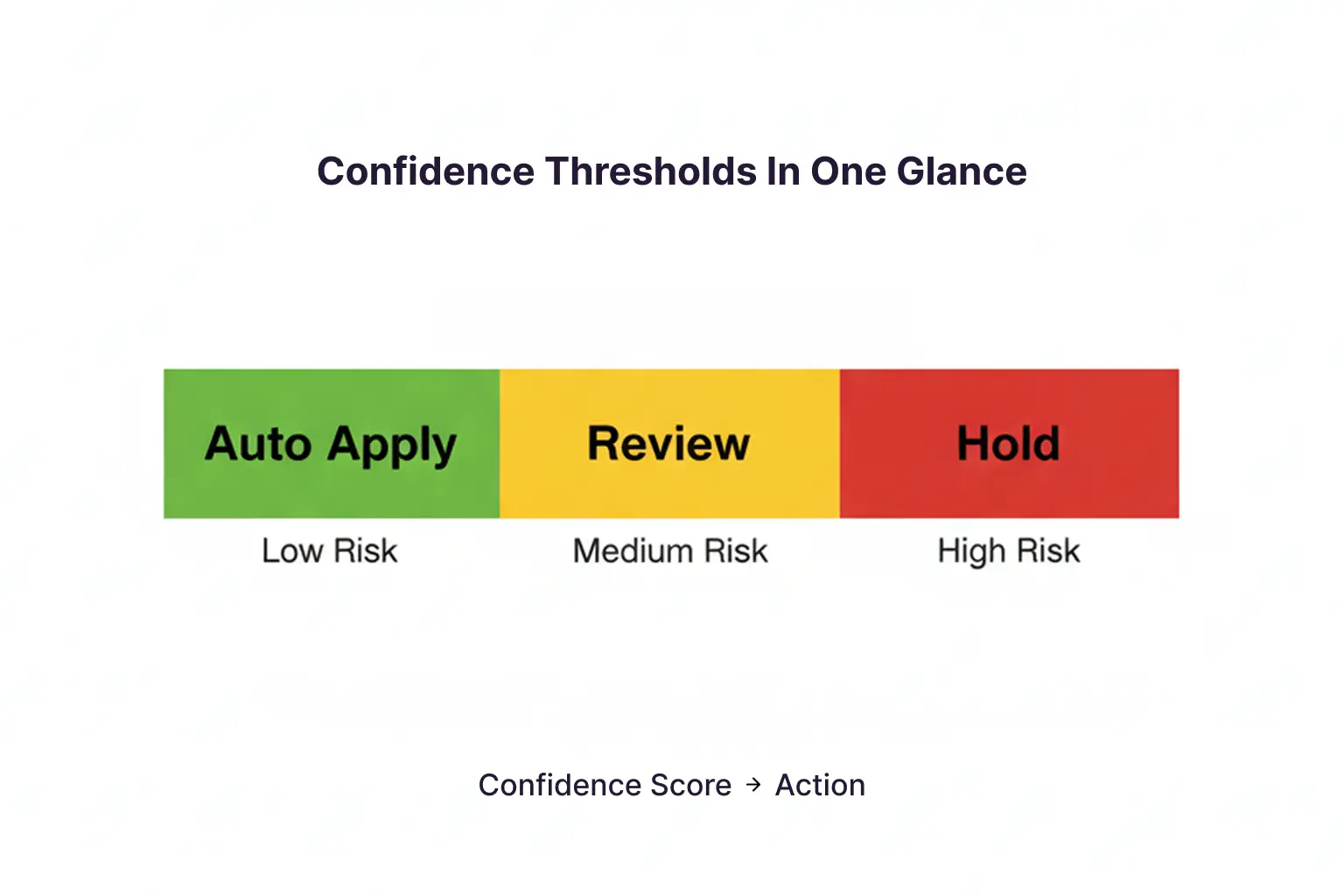
- Confidence thresholds. Numeric cutoffs that decide auto-publish versus review.
- Risk tiering. Not all fields carry equal consequence. A scene description is not a rights flag.
- Human review routing. Named owners for each tier, with defined turnaround.
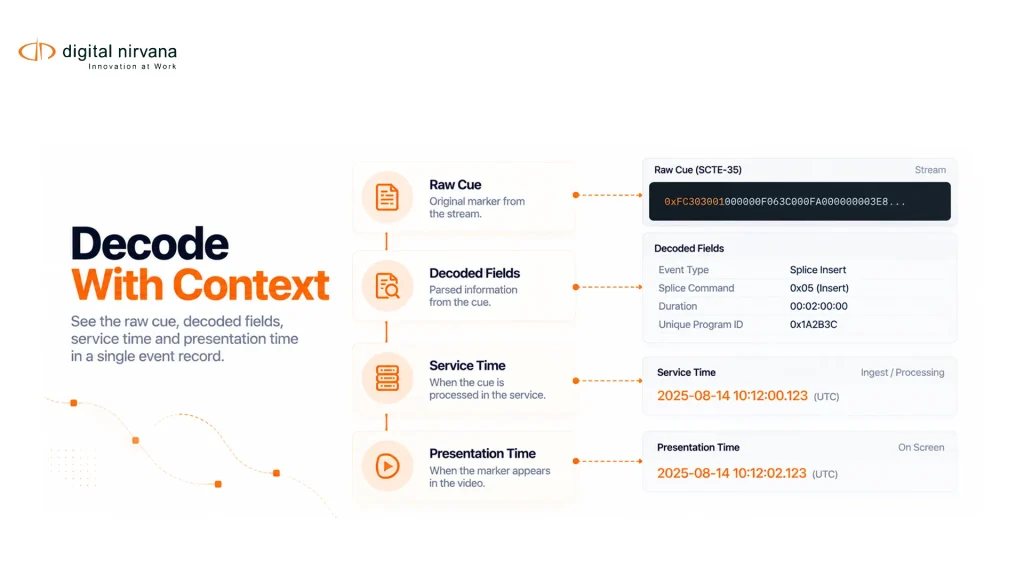
- Audit trail. Who changed what, when, why, and under which model version.
Miss any one and the other three stop working. Thresholds without routing just generate a queue nobody owns.
Where Automation Goes Wrong Without Guardrails
Three patterns show up repeatedly.
False confidence. The system returns a score of 0.94 and everyone treats it as truth. Confidence measures model certainty, not correctness.
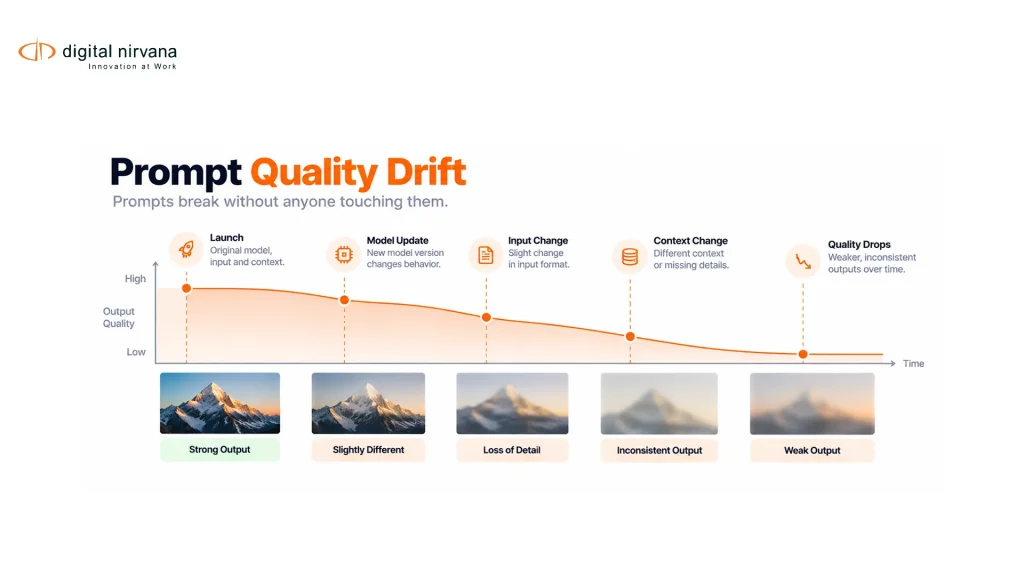
Silent drift. A model performs well at launch, then content changes. New formats, new graphics packages, new speakers. Accuracy degrades gradually, and nobody notices until a downstream complaint arrives.
Unreviewable history. Someone asks why an asset was tagged a certain way in March. If the answer requires guesswork, you do not have a defensible workflow. Our metadata tagging software security checklist covers what those records need to contain.
The Standards Shaping This Conversation
Governance stopped being a philosophical topic around 2023.
The NIST AI Risk Management Framework organizes AI oversight around four functions: govern, map, measure, and manage. ISO/IEC 42001, published in December 2023, gave organizations a certifiable AI management system standard. The EU AI Act began its phased application in 2025.
Most media metadata work is not classified as high-risk under these regimes. That is not the point. Buyers, broadcasters, and legal teams now ask vendors for documentation, oversight evidence, and monitoring practice regardless of classification. The expectation moved before the obligation did.
How a Confidence Threshold Model Works
Stop thinking about one cutoff. Think about tiers, mapped to consequence.
| Field type | Example | Threshold approach | Routing |
| Discovery | Scene description, topic, object | Optimize for recall, low cutoff | Auto-publish, sample audit |
| Editorial | Speaker name, quote attribution | Moderate cutoff | Auto-publish above, review below |
| Commercial | Sponsor logo, product placement | High cutoff | Review all positives |
| Compliance | Political mention, profanity, restricted content | Highest cutoff, tuned for precision | Mandatory human sign-off |
Tune discovery tags for recall, because a missed clip costs an editor time. Tune compliance tags for precision, because a wrong flag costs credibility and a missed one costs money.
That single distinction removes most of the friction teams hit in the first ninety days. The approach is explored further in our piece on multimedia workflow automation and metadata.
Designing the Human Review Layer
The goal is not to review more. It is to review the right things.
AI narrows the review surface. It does not transfer accountability. A model can detect a brand logo. A person still decides whether that appearance is sponsored, restricted, incidental, or requires blurring.
Practical rules that hold up:
- Assign review by tier, to a named role, not to a shared inbox
- Set a review SLA tight enough that the queue never becomes a graveyard
- Give reviewers the timecode and the surrounding context, never the tag alone
- Route corrections back as training signal rather than one-off fixes
- Sample audit the auto-published tier monthly, because unmonitored automation drifts
Digital Nirvana’s Managed AI practice is built around exactly this pattern: structured pipelines that push low-confidence and high-risk outputs to domain reviewers instead of publishing them by default.
What Your Audit Trail Must Capture
If a regulator, a rights holder, or your own legal team asks about a single tag, the record should answer without anyone reconstructing anything.
- [ ] Asset ID and timecode range the tag applies to
- [ ] Original AI output and its confidence score
- [ ] Model version and ruleset version in effect at generation
- [ ] Whether the tag auto-published or routed to review
- [ ] Reviewer identity, decision, and timestamp
- [ ] Reason code for any override or correction
- [ ] Downstream systems the metadata was written into
- [ ] Retention and legal hold status on the record itself
Storing the final value is not an audit trail. Storing the path to that value is.
A Week Inside a Governed Workflow
Monday, a batch of archive footage runs through enrichment. Discovery tags publish automatically. Fourteen assets trip the compliance threshold and land in a review queue.
Tuesday, the standards reviewer clears eleven, corrects two, and escalates one to legal. Each decision writes a reason code.
Friday, the governance dashboard shows a spike in low-confidence speaker detection on one show. The studio added a new lower-third graphic that is confusing the OCR. Caught in five days instead of five months.
Nobody reviewed everything. Somebody reviewed the right fourteen.
What to Measure
| Metric | Why it matters |
| Percentage of output routed to review | Too high means friction, too low means false confidence |
| Reviewer override rate by tier | The clearest signal of threshold miscalibration |
| Median review queue age | A growing queue means governance exists on paper only |
| Low-confidence rate over time | Early warning for model drift |
| Assets blocked by incomplete metadata | Ties governance directly to publishing throughput |
Baseline these before deployment. Our guidance on production metadata accuracy covers how to tune precision and recall against business goals rather than benchmark scores.
The Objections You Will Hear
“Review defeats the point of automation.” Only if you review everything. Tiered routing sends a minority of output to humans while automating the rest, which is the entire efficiency gain.
“Our team will not maintain another dashboard.” They should not have to. Governance signals belong inside the PAM, MAM, and NLE people already use. If quality scoring lives in a separate tool, teams revert to spreadsheets within a quarter.
“We will tighten this after launch.” Retrofitting audit trails is far harder, because the historical records do not exist. Start with the compliance tier on day one and expand outward.
Metadata Governance FAQs
What is a good confidence threshold? There is no universal number. Set it per field type by consequence, then recalibrate using reviewer override rates after the first month of real data.
Does human review scale? Yes, when it is selective. Reviewing 100 percent does not scale. Reviewing the low-confidence and high-risk slice does.
How do we prove governance to an auditor? Show the ruleset, the routing logic, and a sample of complete audit records tracing individual tags from generation to publication.
Where Digital Nirvana Fits
This governance model is not theoretical for us. It is how MetadataIQ is designed to operate.
The platform generates time-coded metadata across live feeds and archives, applies rule-based checks for sensitive categories, and surfaces governance dashboards with quality scoring for missing tags, inconsistencies, failed rule checks, and audit health. That metadata writes back into Avid, Grass Valley, and standards-based PAM and MAM environments, so review happens where editors already work.
Around it, Managed AI supplies the structured human review pipelines and drift monitoring, Data Intelligence handles the domain-aware labeling that keeps models tuned to your taxonomy, and MonitorIQ supplies the compliance logging that makes proof retrievable when someone asks for it.
Experience Behind the Guardrails
Governance advice is easy to write and hard to operate. The difference shows in the details.
Broadcast has realities that generic AI governance frameworks do not address: CC 608 and 708 conformance, political advertising disclosure rules, rights windows that expire, and evidence that has to survive an audit years later. Digital Nirvana has built inside those constraints with broadcasters, OTT platforms, sports networks, and post-production teams, which is why the human-in-the-loop model is a design decision rather than a disclaimer.
Full automation demos better. Reviewed automation stands up in a compliance conversation. You can see how that plays out in our customer success stories and in our broadcast metadata checklist.
Conclusion
The question was never whether to automate metadata. Volume settled that.
The real question is which decisions you let a model make alone, and whether you can explain any of them six months later. Confidence thresholds answer the first. Audit trails answer the second. Human review sits between them, handling cases where context matters more than pattern matching.
Build those three now, at the compliance tier, and expand as the override data tells you where the thresholds actually belong.
Want to see governed metadata running on your own content? Request a MetadataIQ workflow review and walk through the routing rules against a live sample.
Key Takeaways
- Automation is not the risk. Ungoverned automation is. A governed system at 90 percent accuracy beats an ungoverned one at 95 percent, because you know where to look.
- Governance needs all four parts: confidence thresholds, risk tiering, review routing, and audit trails. Three out of four does not work.
- Tune discovery tags for recall and compliance tags for precision. Treating them identically causes most early friction.
- Human review should narrow to the low-confidence and high-risk slice, assigned to named roles with a real SLA.
- An audit trail stores the path to a value, not just the value: model version, confidence score, reviewer, reason code, and downstream destinations.
- Track reviewer override rate and low-confidence rate over time. They are your earliest signals of miscalibration and model drift.
- Governance signals must live inside the PAM, MAM, and NLE. In a separate tool, teams revert to spreadsheets.
- Build audit trails before launch. Retrofitting them is far harder, because the history does not exist.